Onboarding / Splash / Tour
Splash match
Figma: figma-onboarding-screens/01_splash.png · Code: features/auth/presentation/screens/splash_screen.dart
Figma
App
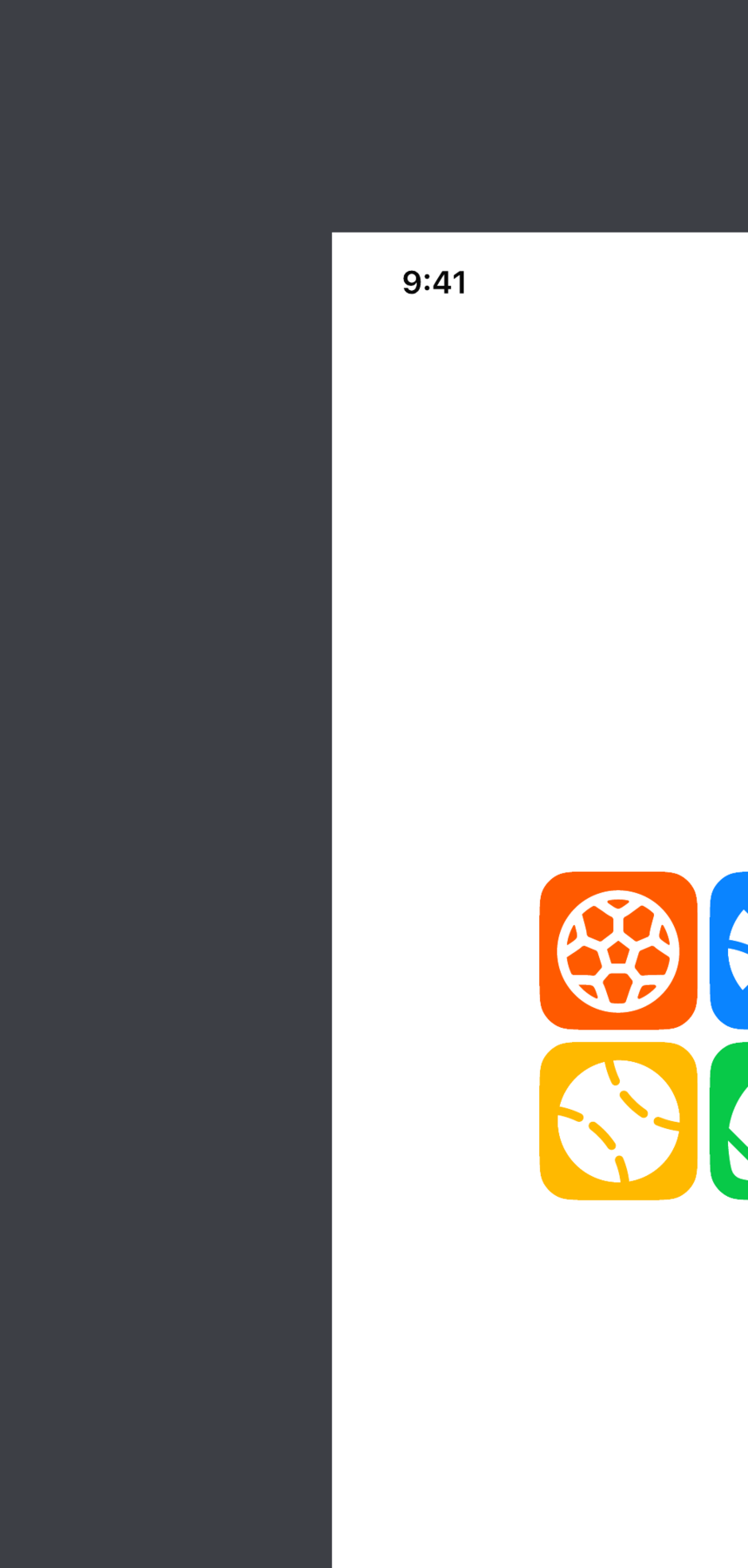
Splash transitions through to the login screen too fast to catch as a steady-state capture. The 4-tile sport-icon grid (orange soccer / blue basketball / yellow baseball / green football) is rendered by _SportIconsGrid in splash_screen.dart — you can see the same 4 sport icons inside the FirstTimeModal which uses the same widget.
The 4-tile sport icon grid is also used inside the post-login FirstTimeModal — same colors, same layout.
Tour The App match
Figma: figma-onboarding-screens/02_tour_the_app.png · Code: features/onboarding/presentation/screens/tour_app_screen.dart
Figma
App
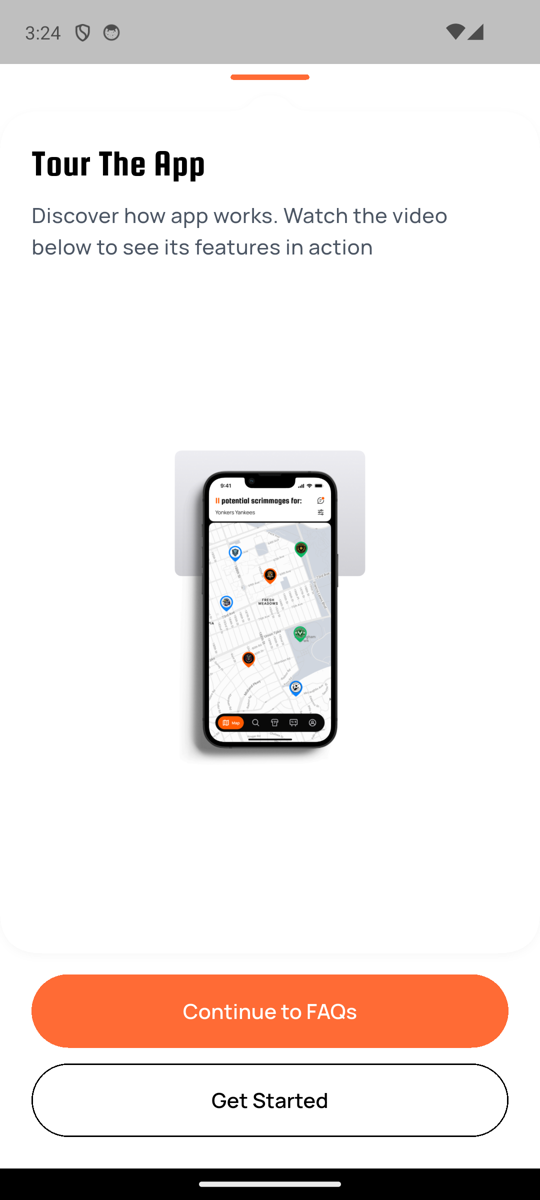
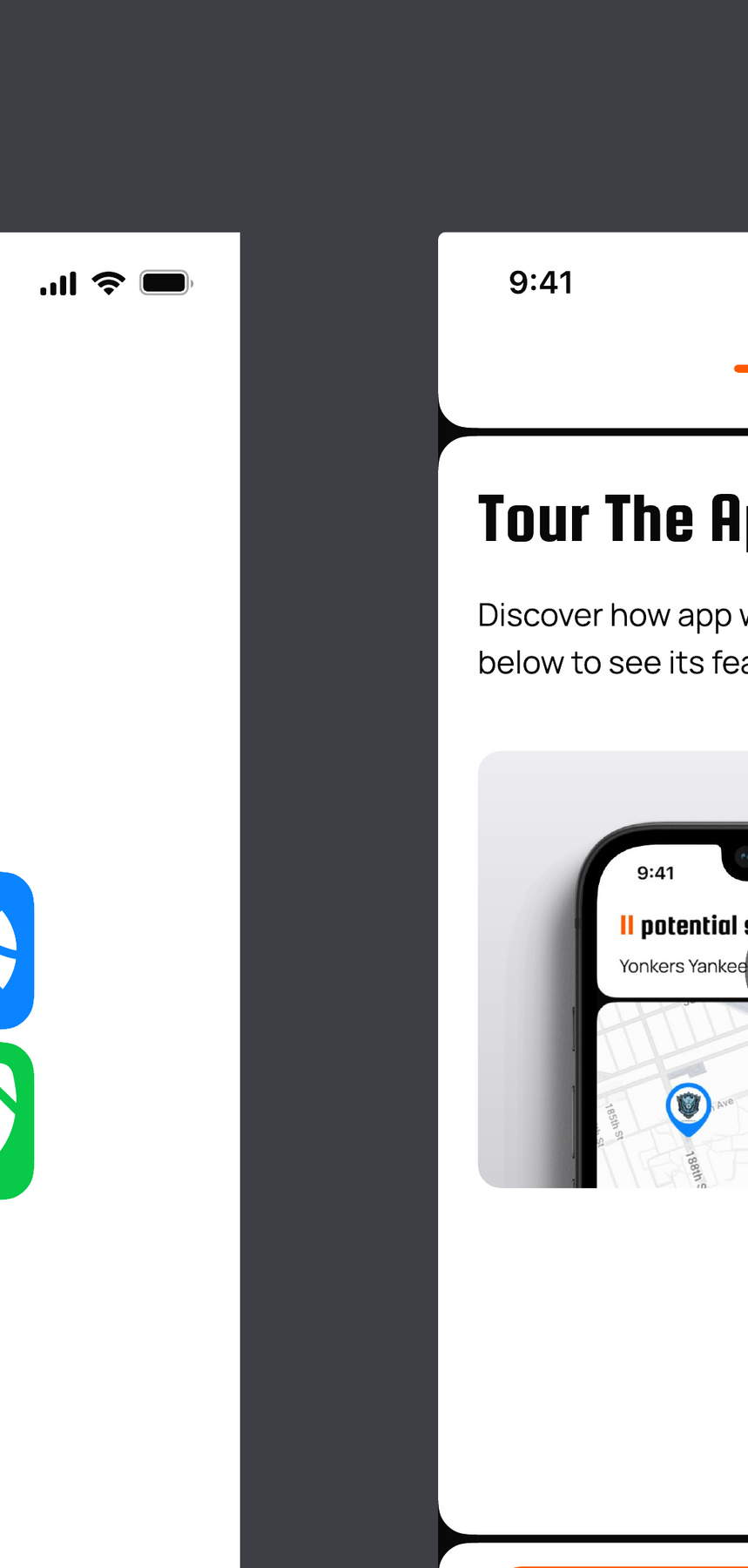
Orange progress dot + Passion One "Tour The App" title + subtitle + iPhone-bezel mockup wrapped in NotchedCard. Inside the bezel: status bar + "Potential scrimmages for:" orange pill + "Yonkers Yankees" team name + CustomPainter map (peach roads + green park + blue teardrop pin with white inner dot). Orange Continue to FAQs pill + black-bordered Get Started pill.
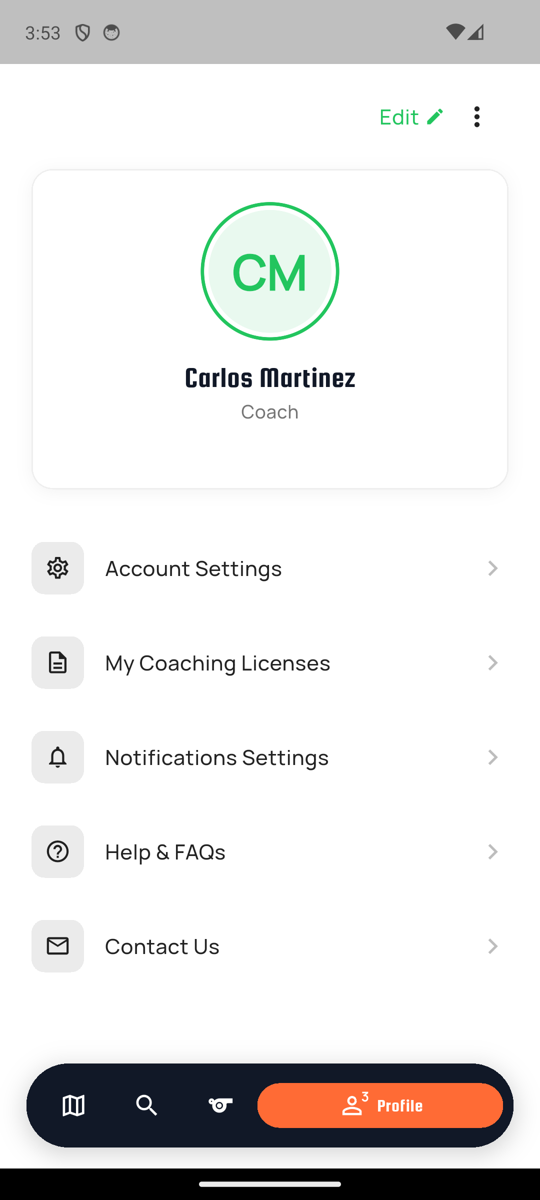
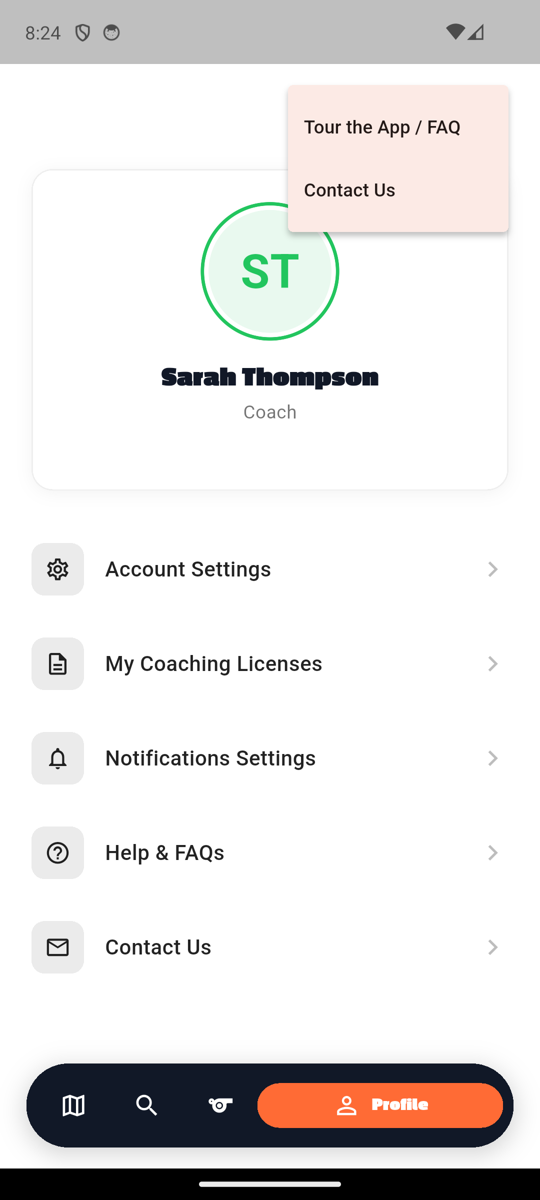
Shipped fc0d5c0. Reachable via Profile drawer 3-dot menu → "Tour the App / FAQ".
FAQs match
Figma: figma-onboarding-screens/03_faqs_contact.png · Code: features/onboarding/presentation/screens/faq_screen.dart
Figma

App
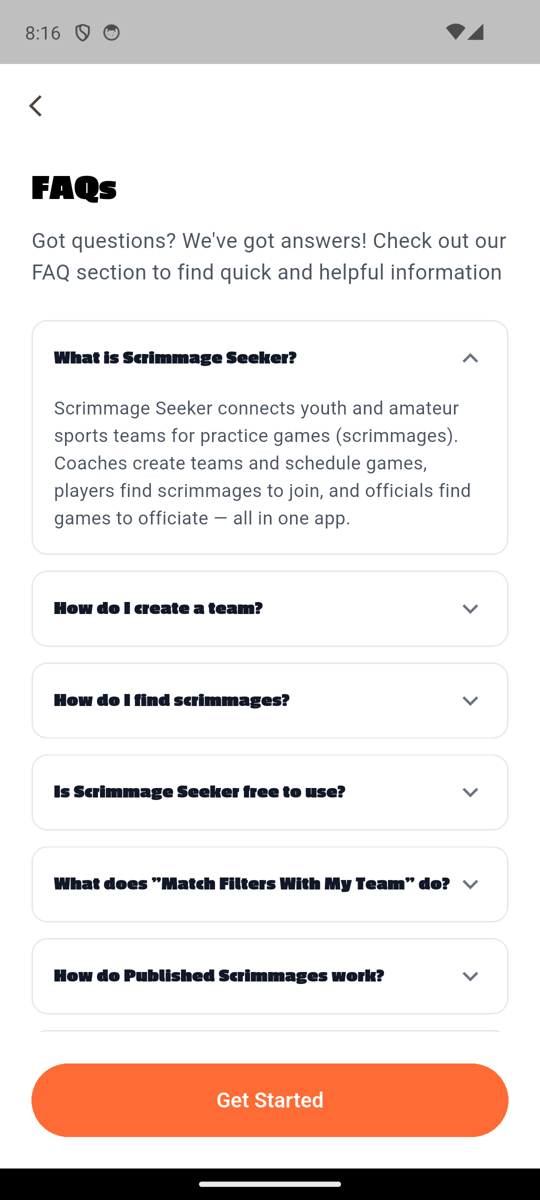
Passion One "FAQs" heading, accordion list with Passion One question titles, expanded answer body, orange "Get Started" pill at footer all match. The Figma's "Still Have Questions?" contact form (First/Last/Email/Message + checkbox + Send) is implemented below the visible region in faq_screen.dart:204+ — scroll to reveal.
Shipped 2a6d283 — dropped the centered orange progress bar from the header. Figma 03_faqs_contact has just a back chevron at top, no progress indicator.
Auth (Login / Register / Forgot)
Login (default + dev login) match
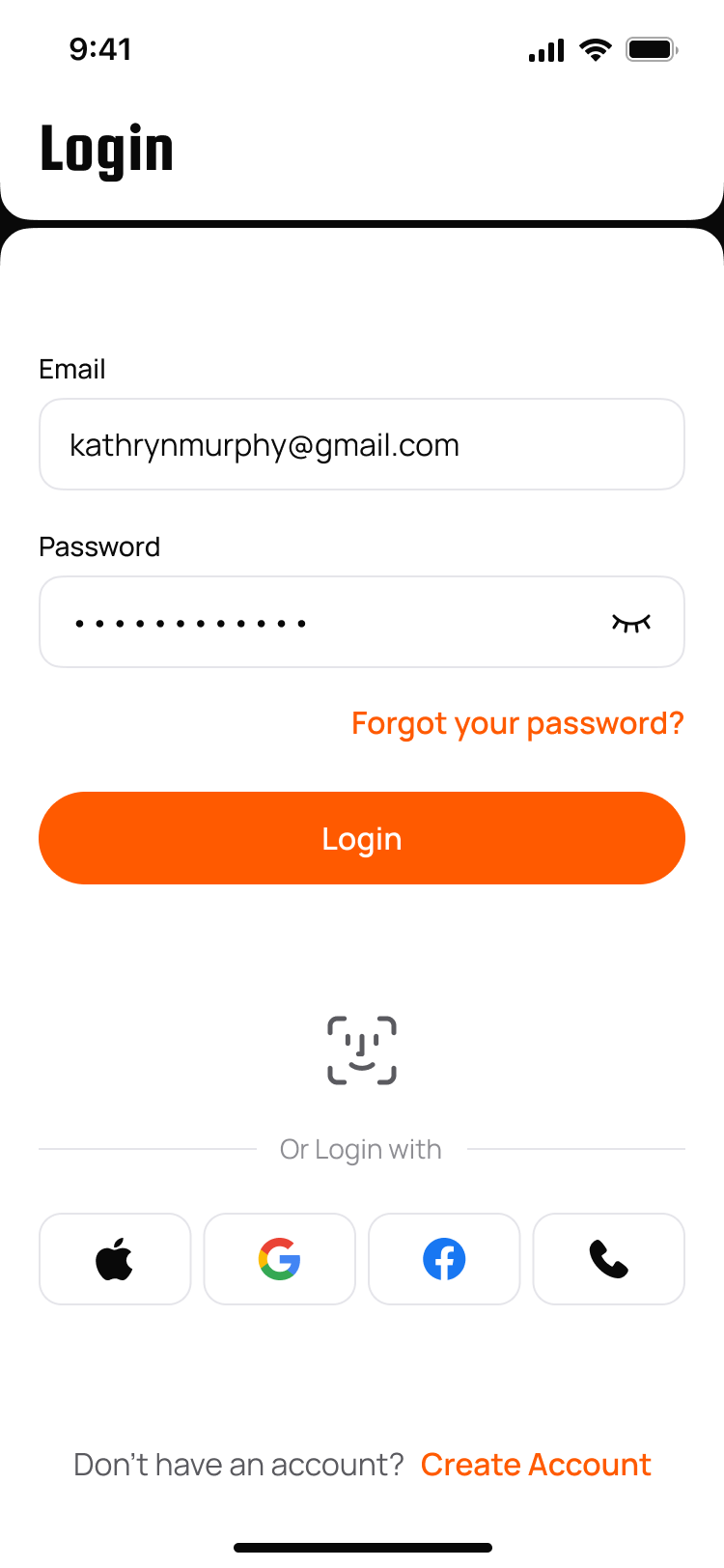
Figma: figma-login-screens/06_login_filled.png · Code: features/auth/presentation/screens/login_screen.dart
Figma
App (default)
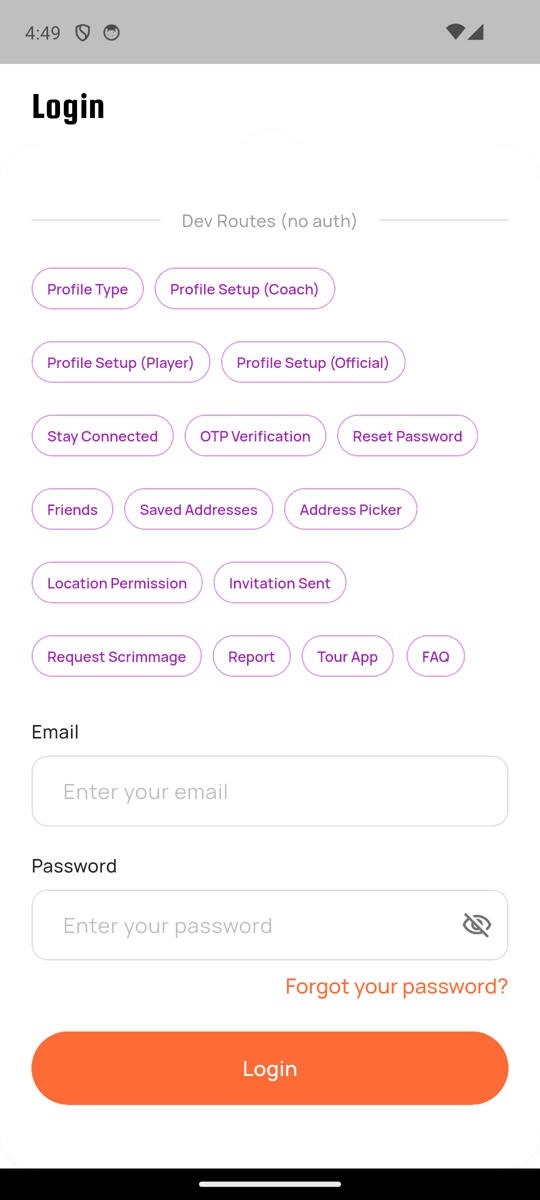
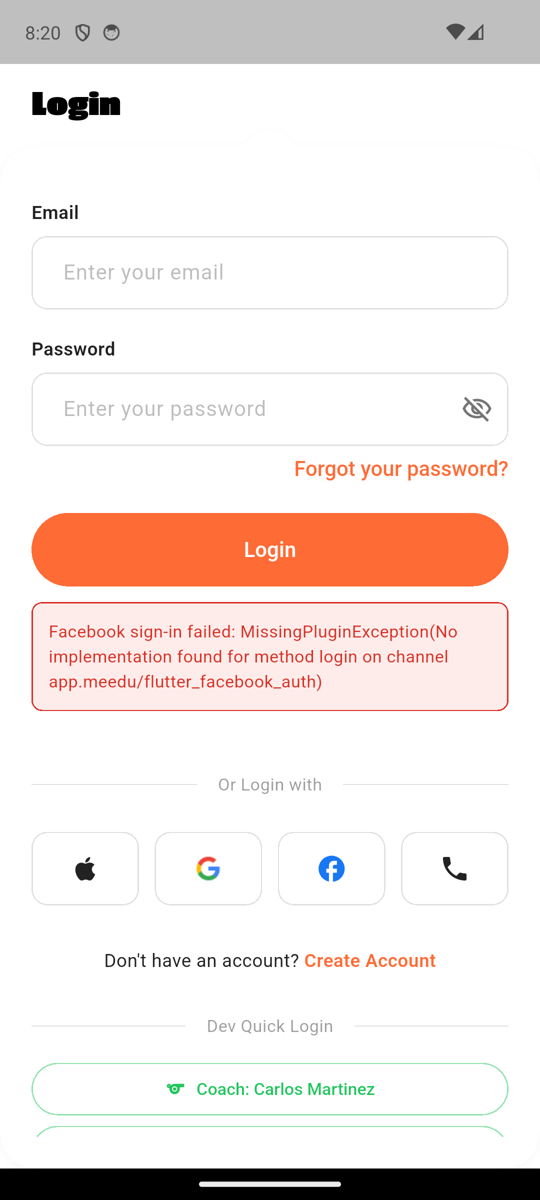
Passion One Black "Login" heading (mixed-case, heavy-condensed black w900), Email/Password fields, eye-off, "Forgot your password?" right-aligned, orange Login pill, "Or Login with" divider, 4 social cards (Apple/Google/Facebook/Phone), "Don't have an account? Create Account" footer all match. Face ID glyph hidden on emulator (no biometrics).
App (dev login section)
Notes
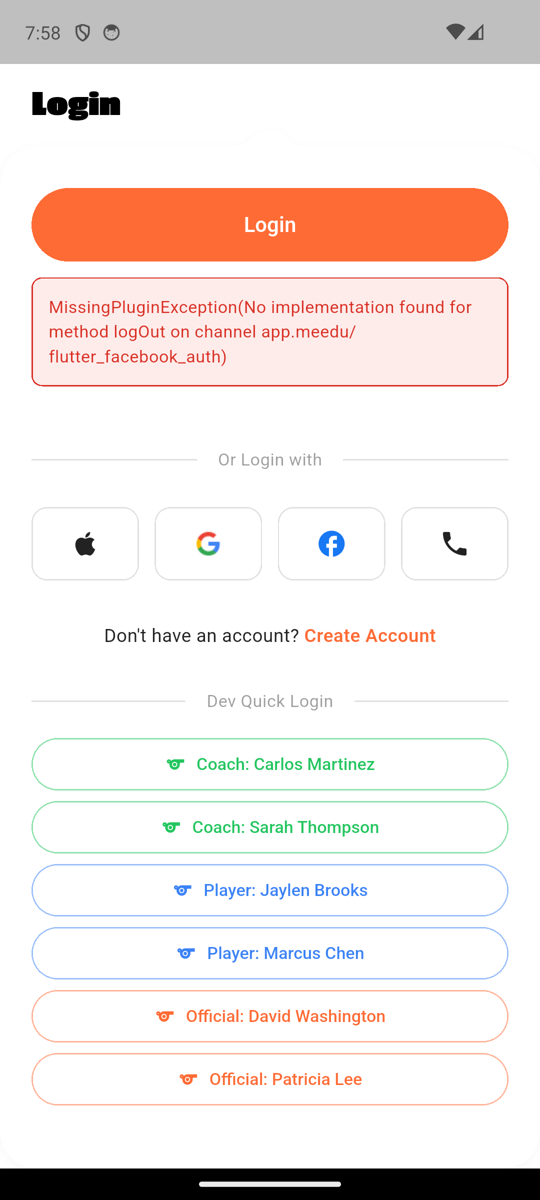
Dev Quick Login section is debug-build only, behind SHOW_DEV_LOGIN / kDebugMode. Six pre-seeded test accounts (2 coaches, 2 players, 2 officials) — not part of any Figma.
Create Account match
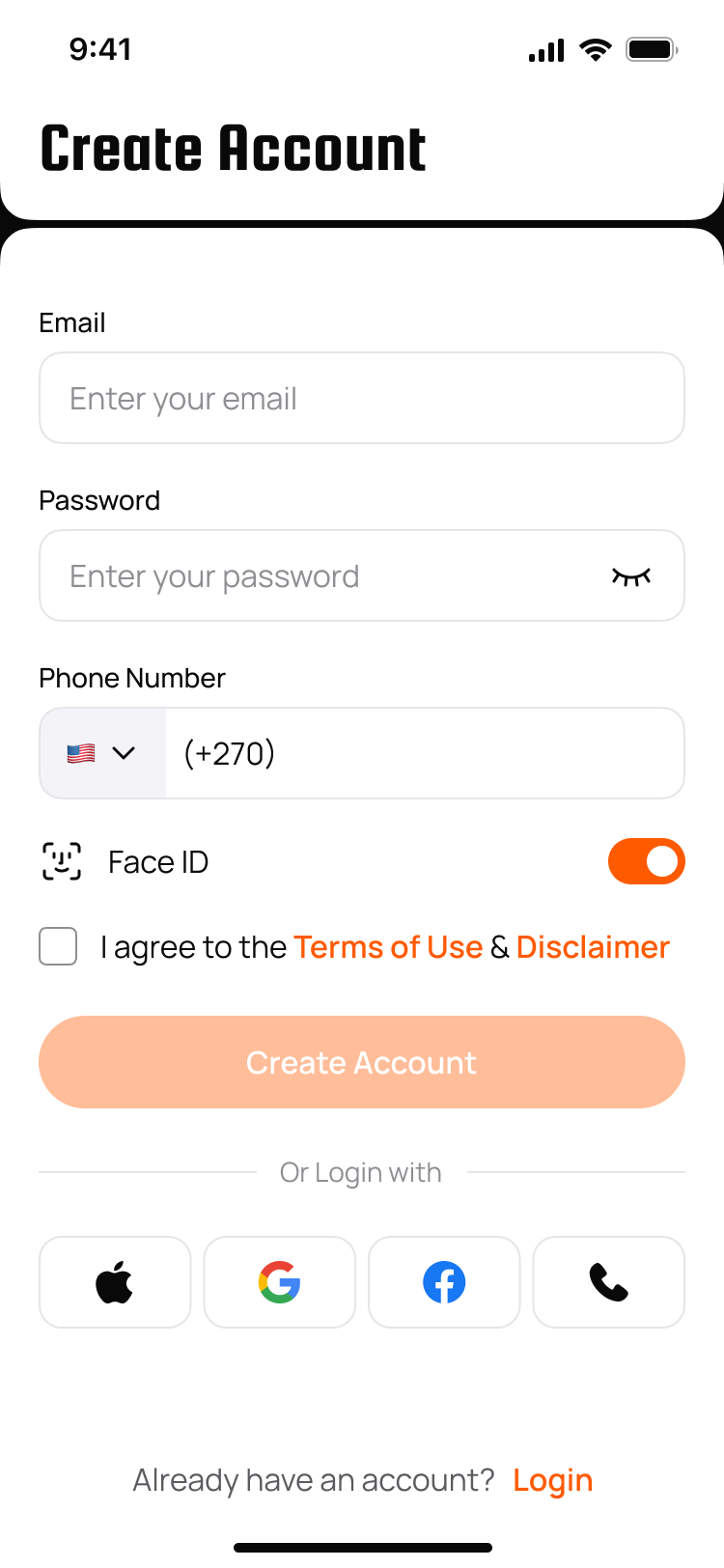
Figma: figma-register-screens/01_create_account_empty.png · Code: features/auth/presentation/screens/register_screen.dart
Figma
App
Passion One "Create Account" heading, Email/Password (with green-check "At least 6 characters" helper), Phone Number row with US flag dropdown in a gray-100 fill block + (555) 123-4567 hint, FaceID bracket-frame glyph + label + orange toggle, T&C checkbox, peach disabled Create Account pill, "Or Login with" + 4 social cards.
Shipped fc0d5c0 — country-code dropdown now sits inside a gray-100 fill block (Color(0xFFF1F1F1)) with rounded-left corners, matching Figma 01_create_account.
Forgot Password match
Figma: figma-forgot-password-screens/01_forgot_password_empty.png · Code: features/auth/presentation/screens/forgot_password_screen.dart
Figma
App
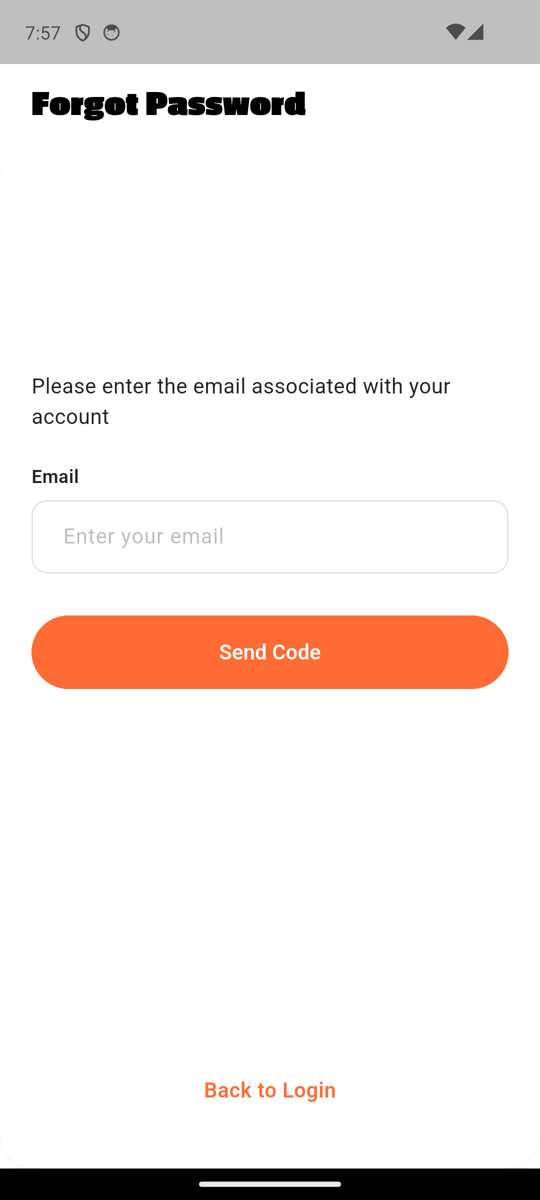
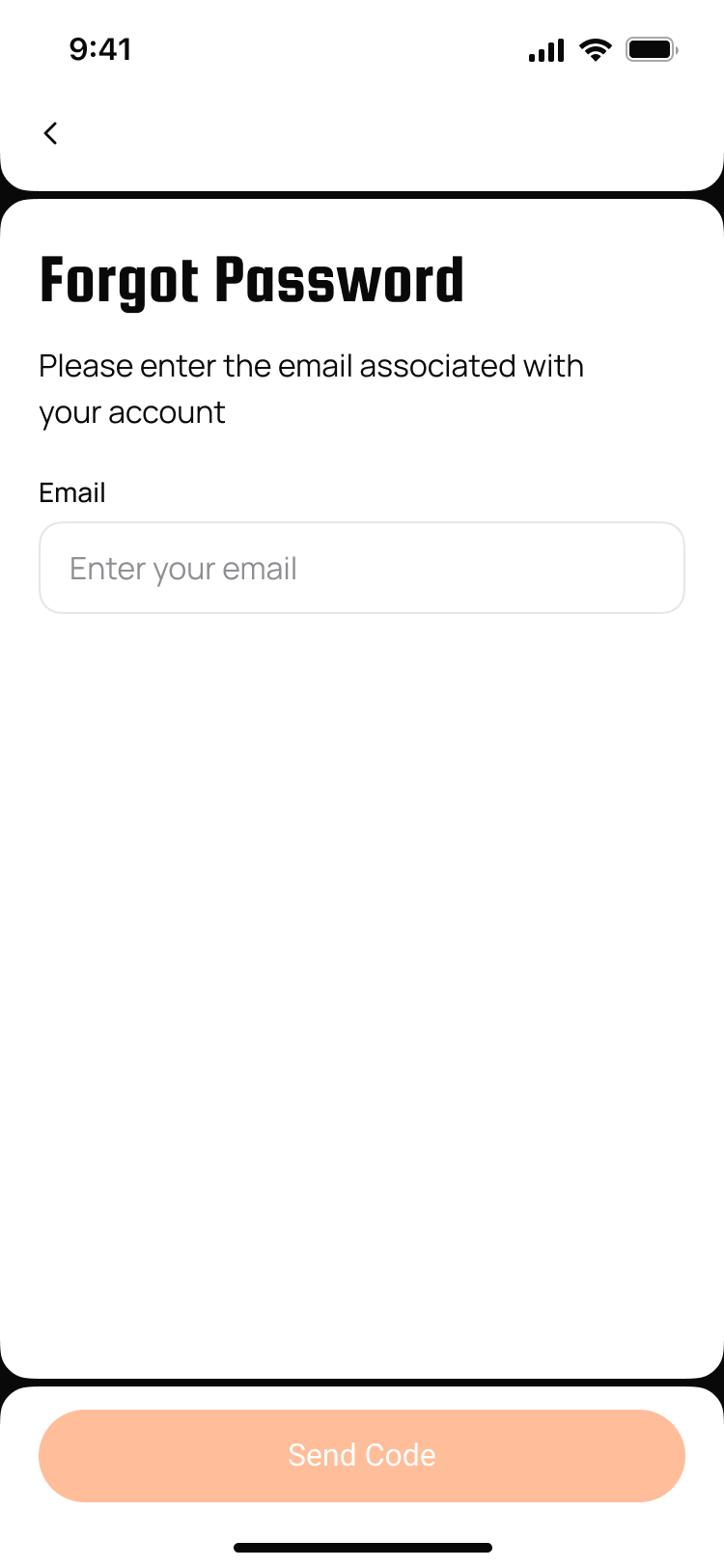
Passion One "Forgot Password", body copy, Email field, orange Send Code, "Back to Login" link.
Phone Login match
Figma: figma-login-screens/07_phone_login_empty.png · Code: features/auth/presentation/screens/phone_login_screen.dart
Figma
App
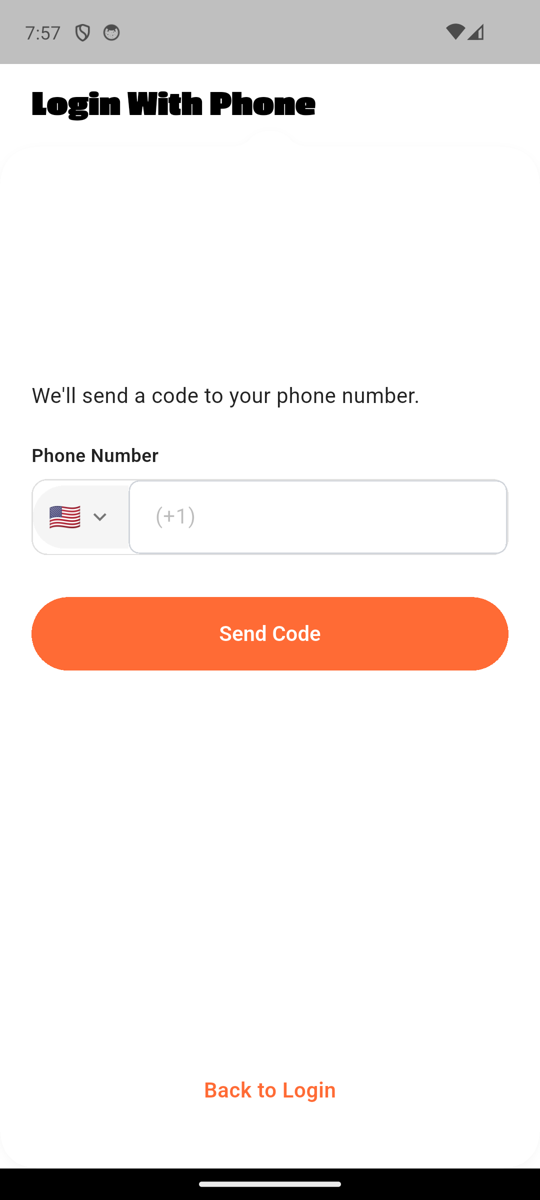
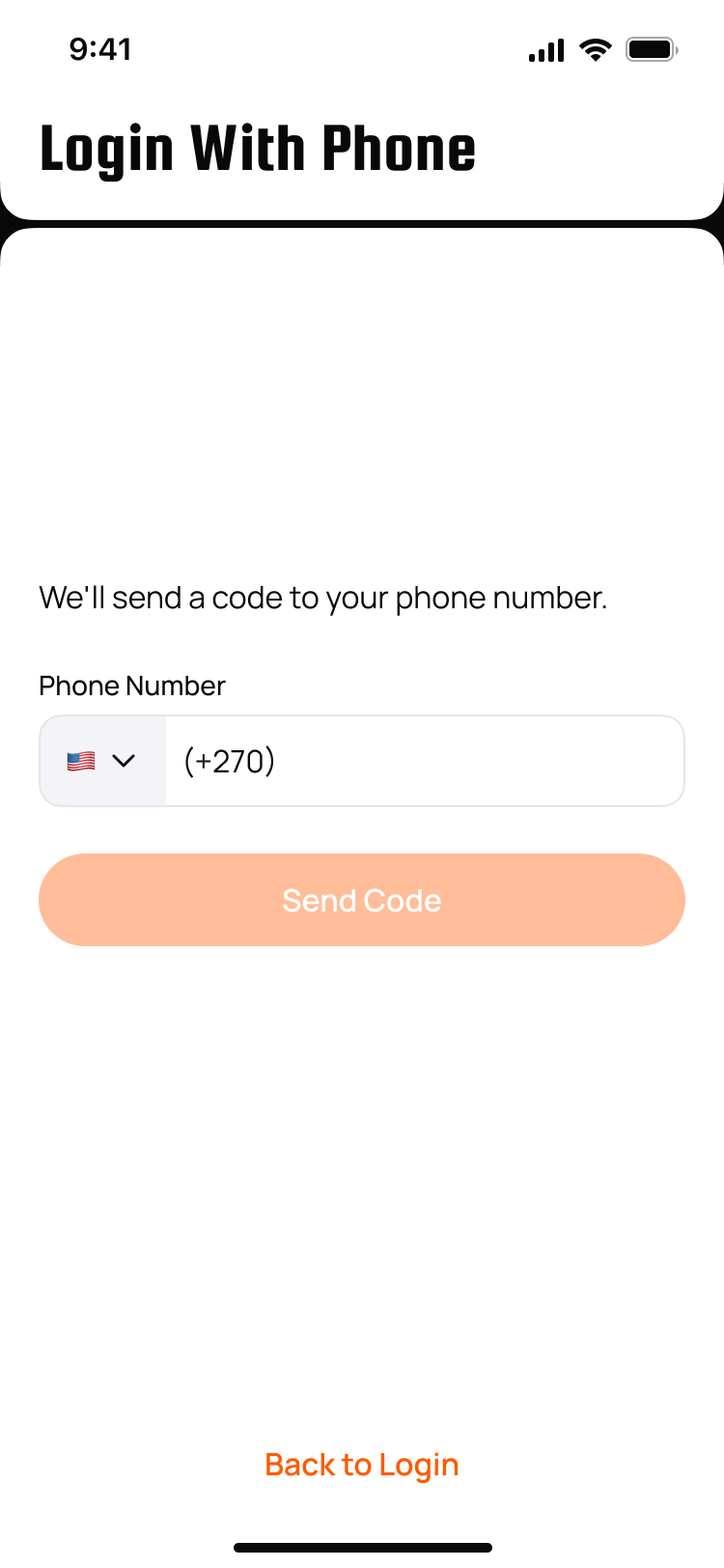
Passion One "Login With Phone", body copy, Phone Number row with US flag dropdown + (+1) placeholder, orange Send Code pill, "Back to Login" link.
Profile creation (Type / Setup)
Profile Type Selection match
Figma: figma-register-screens/03_profile_type_selection.png · Code: features/auth/presentation/screens/profile_type_selection_screen.dart
Figma
App (default)
App (Coach selected)
Notes
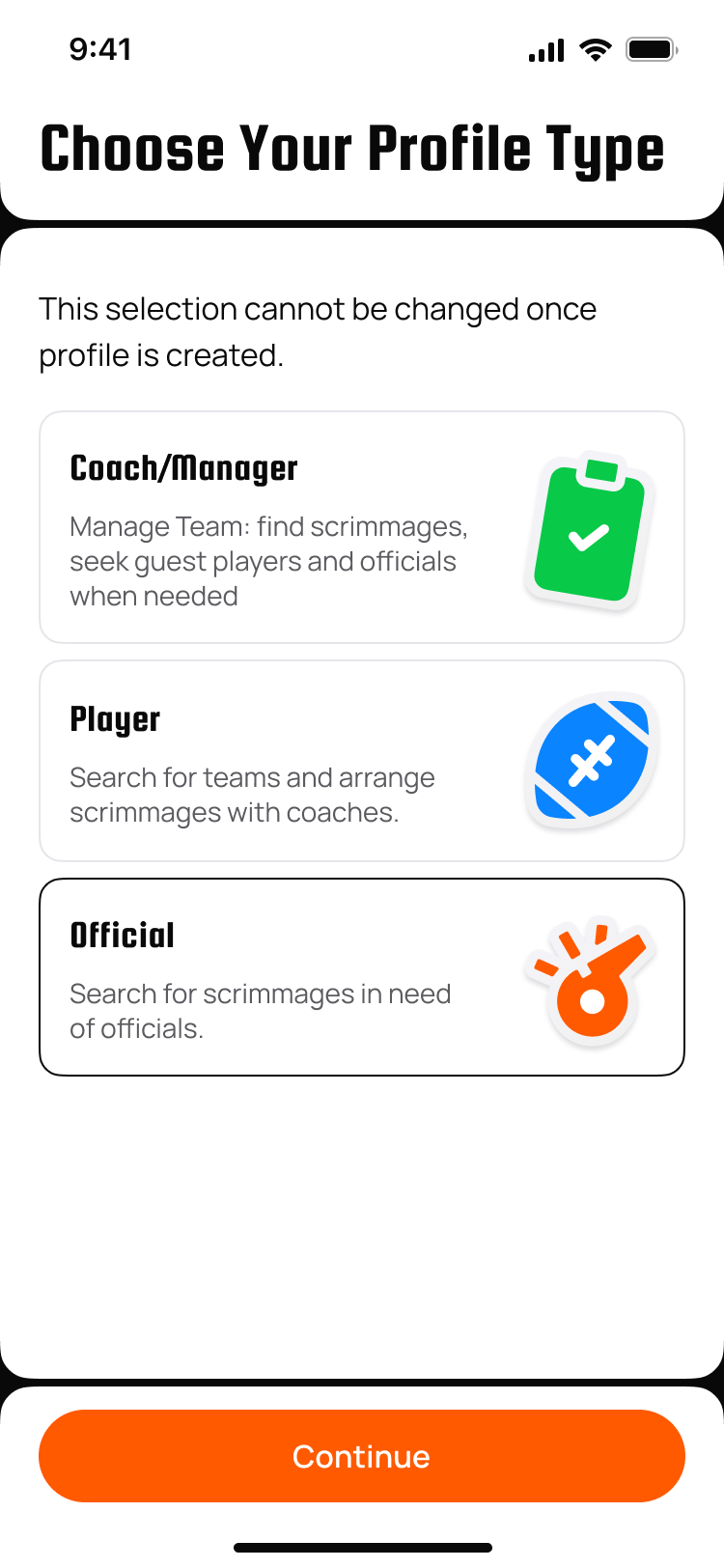
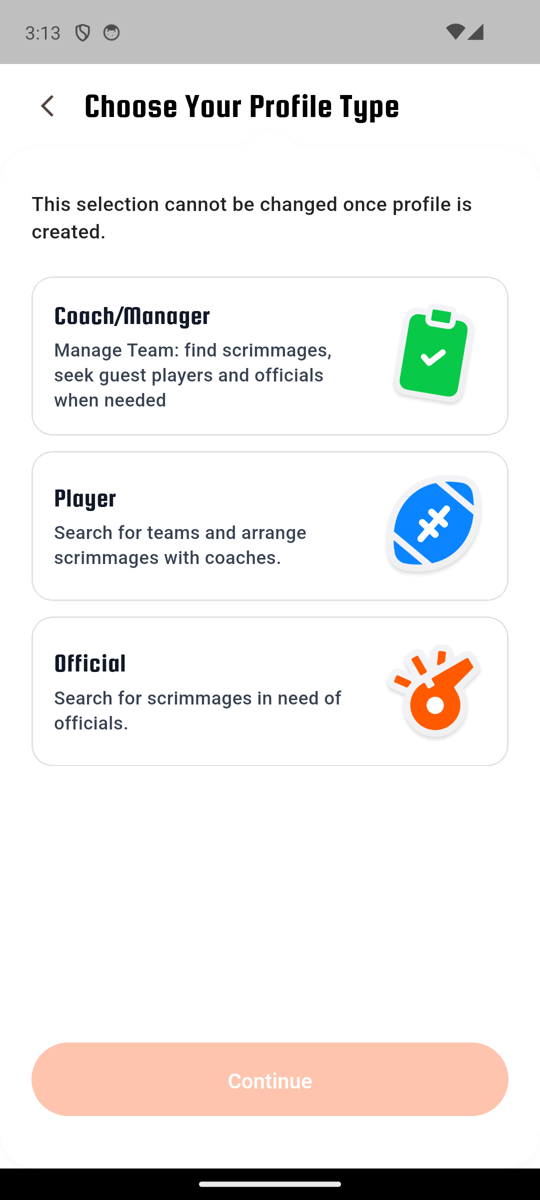
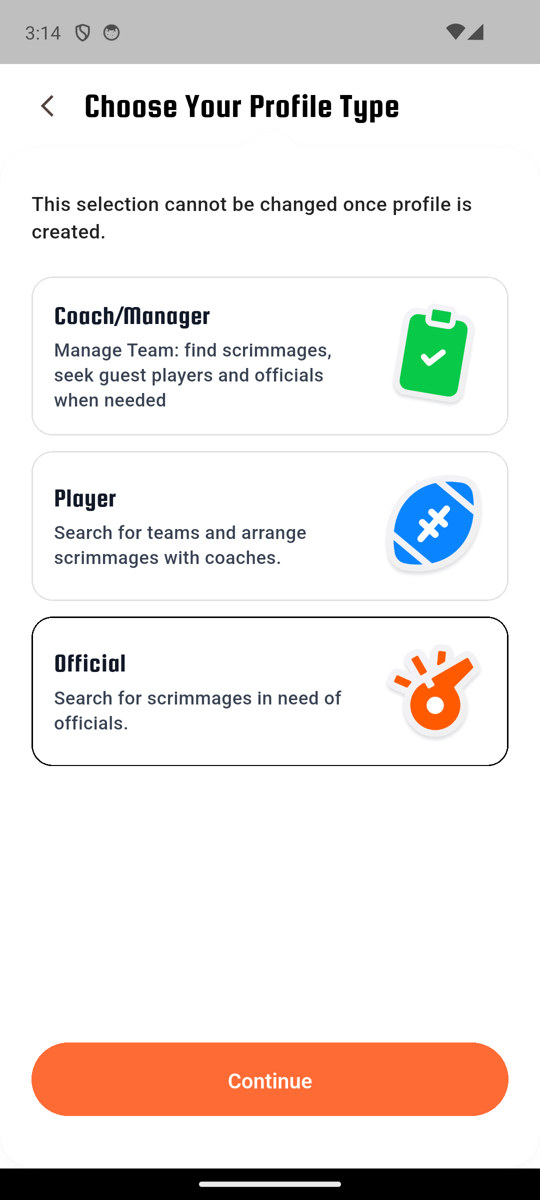
Back chevron + Passion One "Choose Your Profile Type" + warning text. 3 cards (Coach/Manager / Player / Official) each with bold name + description + colored icon tile (green clipboard / blue runner / orange whistle). Selected card gets a black 1px border (was orange-2px in earlier code). Peach disabled "Continue" pill until selection.
Figma's icons are sticker-style illustrations (clipboard with checkmark / football / whistle with motion lines). Code uses simpler colored rounded-square tiles with single Material icons. Sticker assets needed; Scott confirmed not to use Gemini API for these.
Profile Setup (Tell Us Who You Are) — 3 user types match
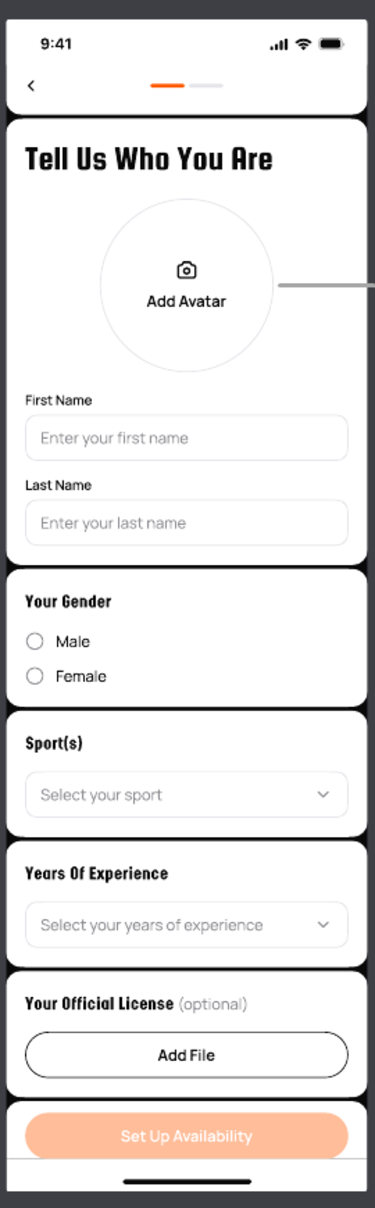
Figma: figma-profile-creation-screens/03_tell_us_empty.png · Code: features/auth/presentation/screens/profile_setup_screen.dart
Figma
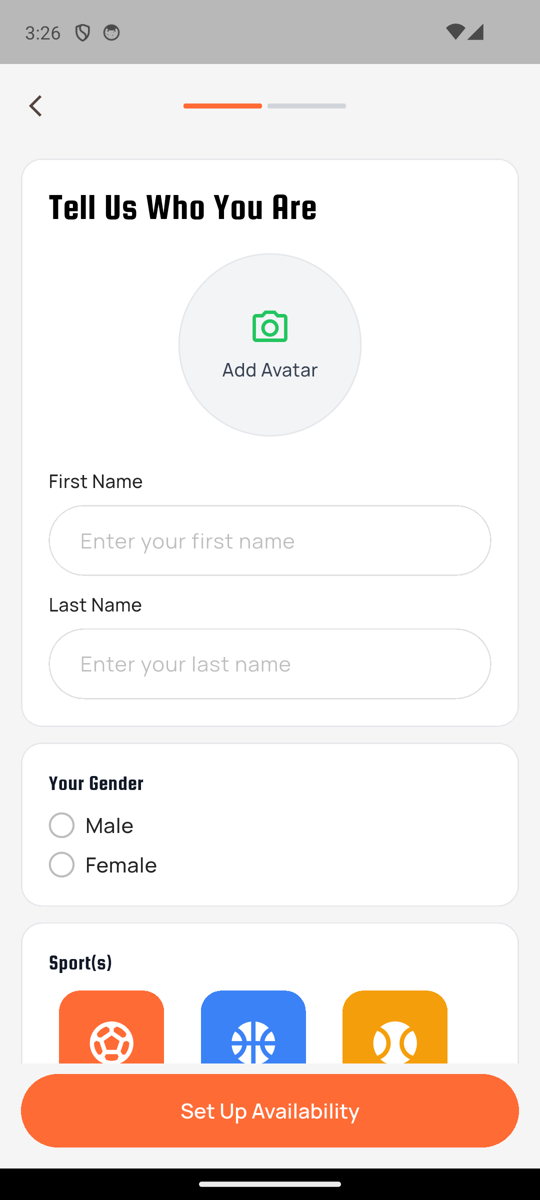
App (Coach)
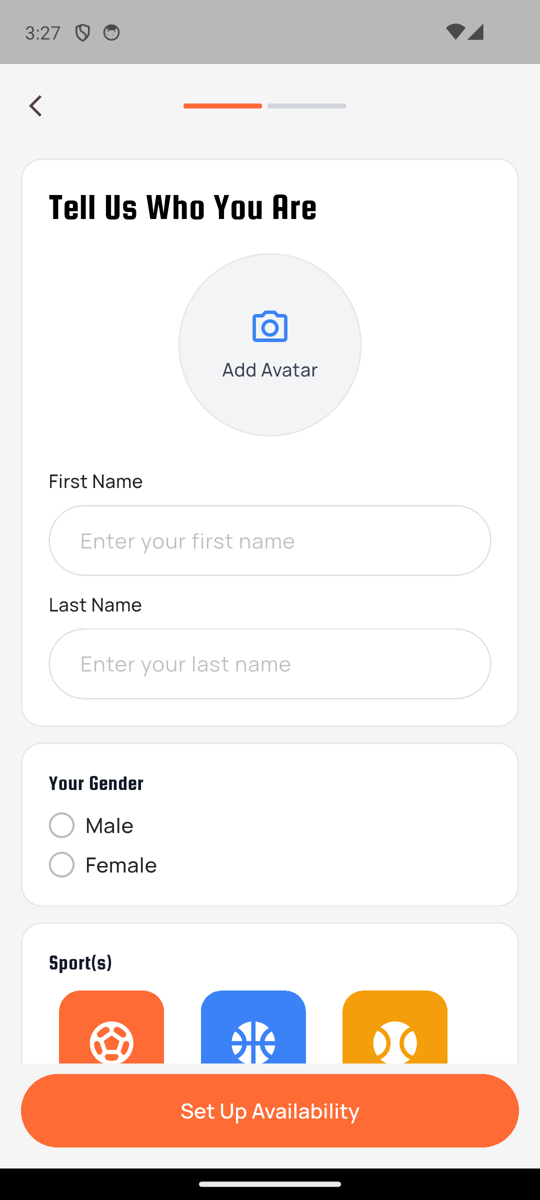
App (Player)
App (Official)
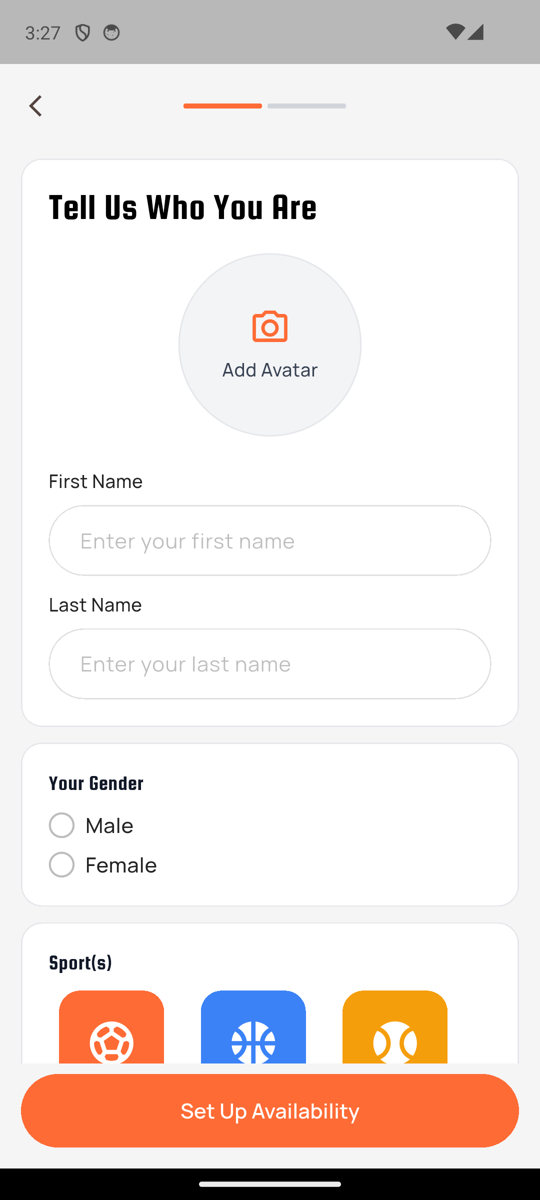
Gray-100 backdrop, stacked white rounded-16 cards with 1px gray-200 border. Card 1 = "Tell Us Who You Are" title + 140px avatar circle (camera icon + "Add Avatar" text inside the circle, color = profile-type accent: green for coach / blue for player / orange for official) + First/Last Name. Card 2 = "Your Gender" with radios stacked vertically (not side-by-side). Card 3 = "Sport(s)" with sport tile picker. Set Up Availability button sticky at bottom (orange pill). 2-segment progress dots at top. Profile-type badge removed per Figma.
Shipped ec98837 (+551/-416 lines). All three profile-type variants captured here for the first time via the dev nav panel; the only difference is the camera-icon accent color in the avatar circle.
Main tabs (Map / Search / Games)
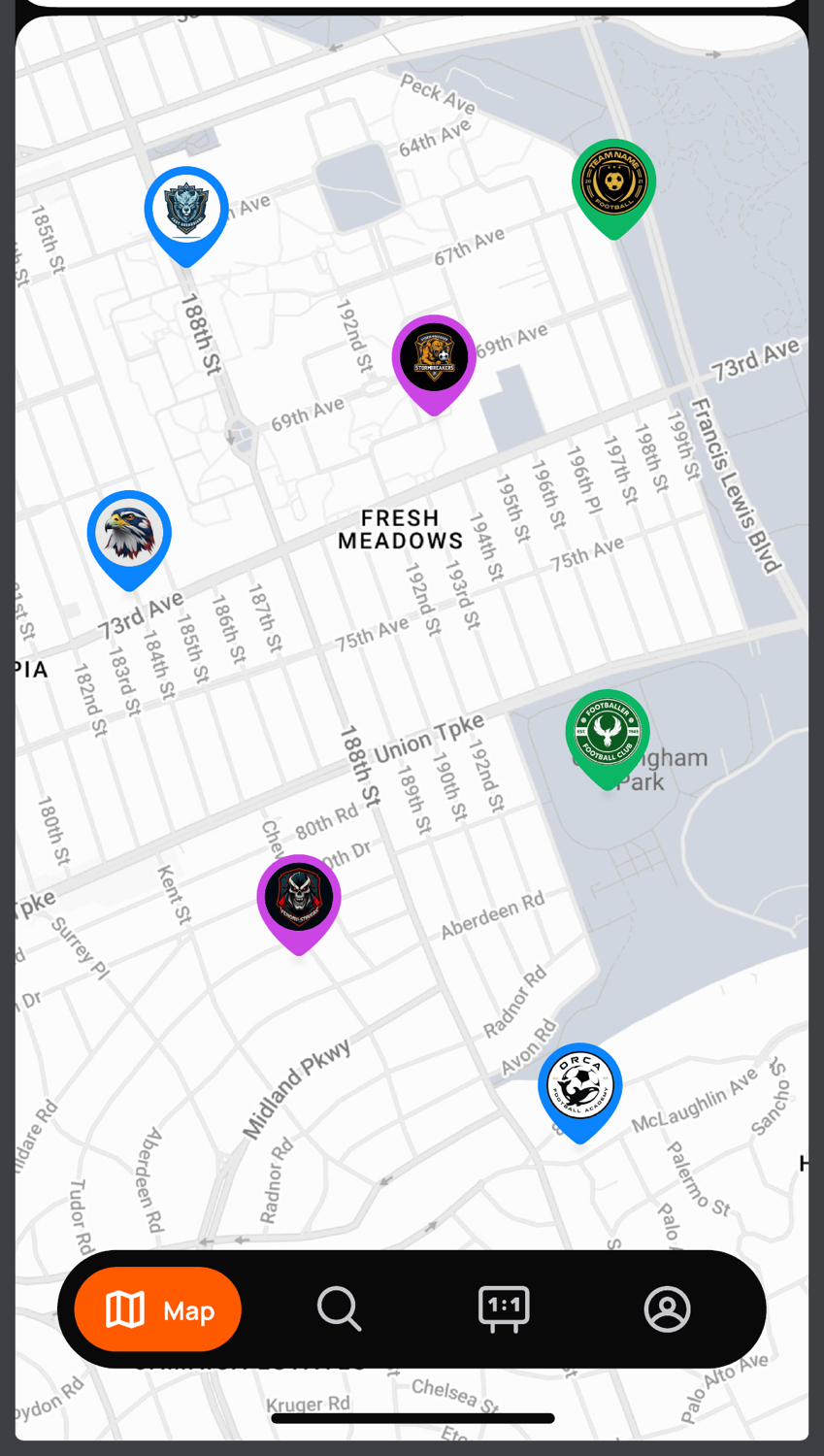
Map (3 user types) close
Figma: figma-map-screens/01_map_default.png · Code: features/map/presentation/screens/map_screen.dart
Figma
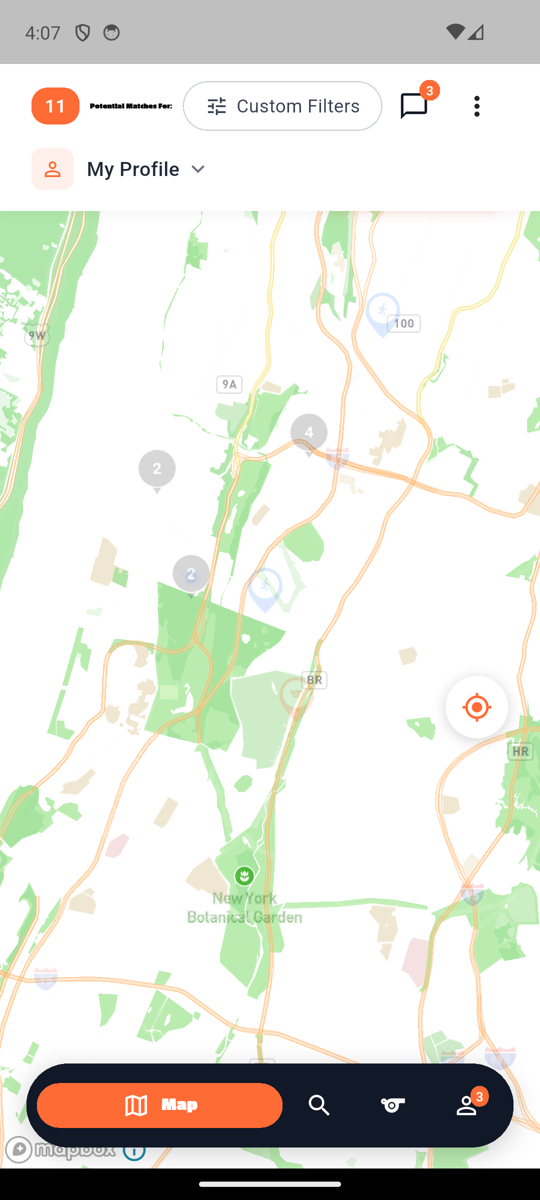
Coach (Sarah Thompson)
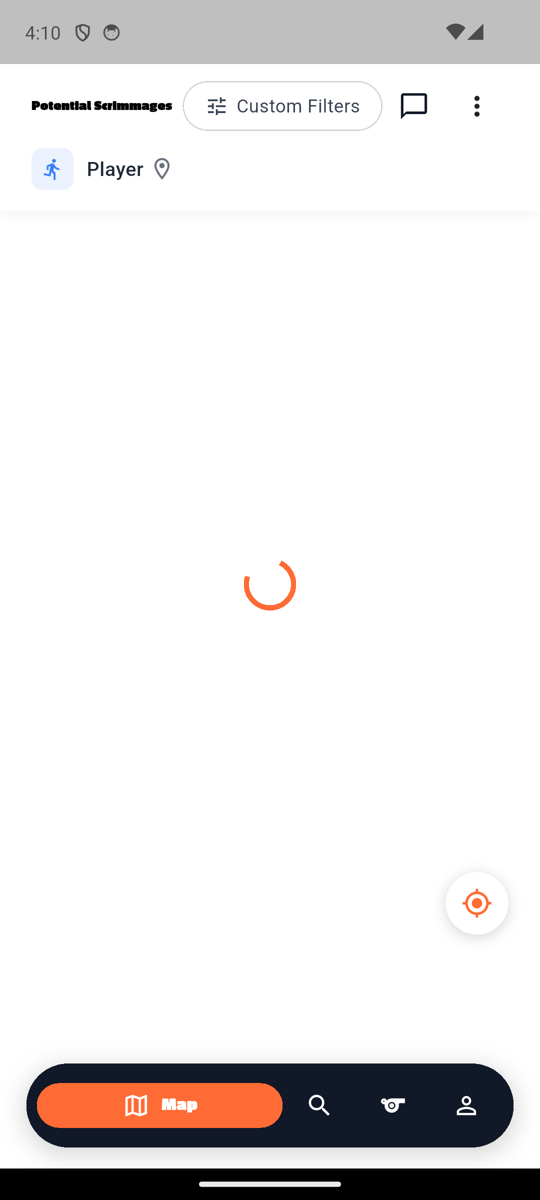
Player (Marcus Chen)
Official (David Washington)
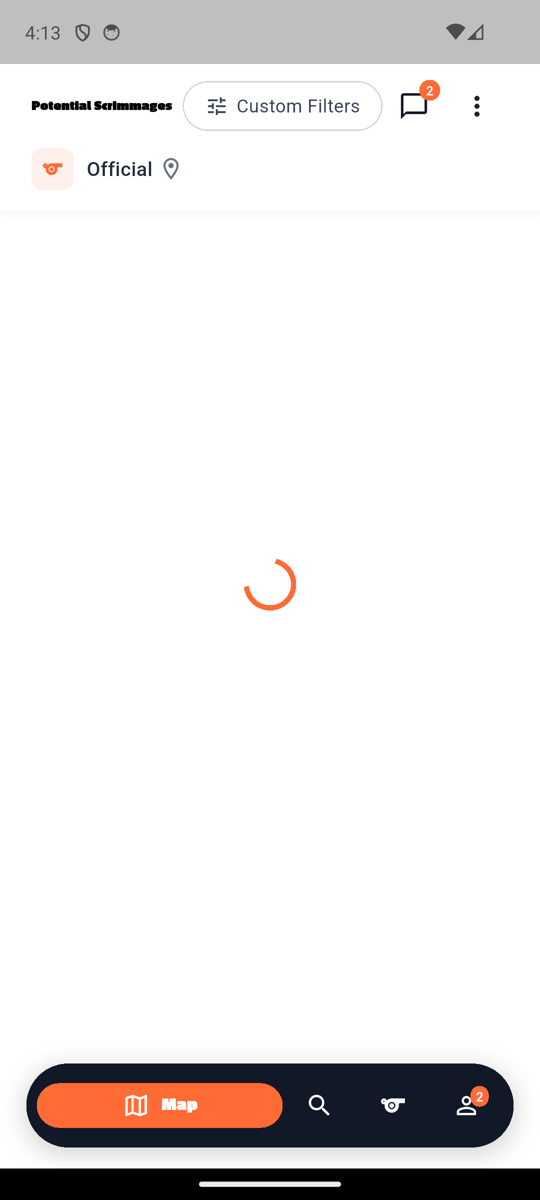
Header text varies by profile type: "POTENTIAL MATCHES FOR:" (coach), "Potential Scrimmages" (player), "Potential Scrimmages" (official). Custom Filters pill + message bubble + 3-dot menu + "My Profile" / "Player" / "Official" dropdown all match Figma. Mapbox tiles render properly with team pins visible.
Search results close
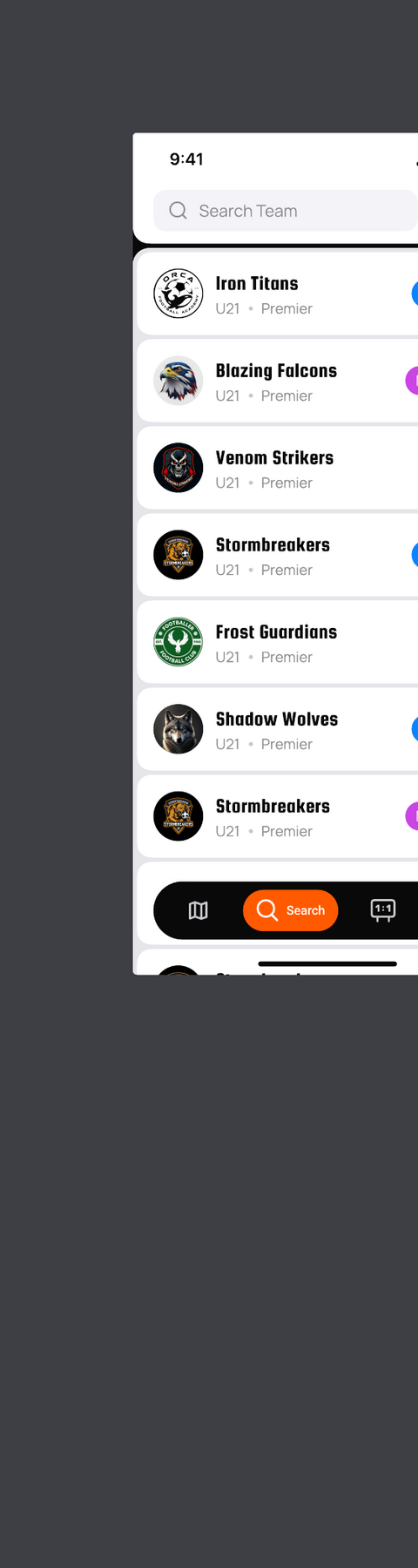
Figma: figma-search-screens/01_search_results_list.png · Code: features/search/presentation/screens/search_teams_screen.dart
Figma
App (Official)
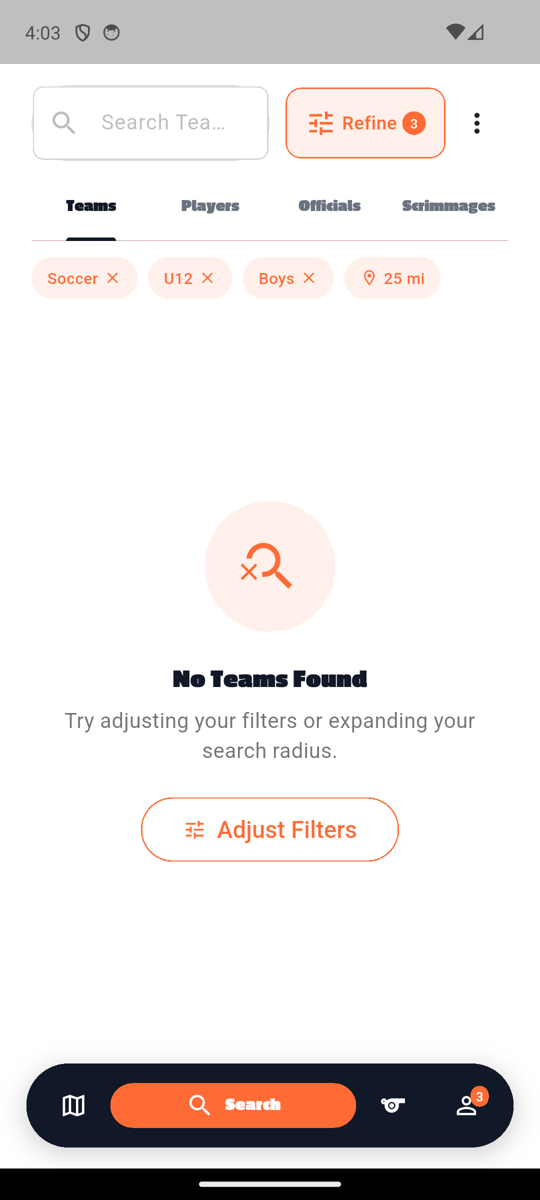
Search-Scrimmages field, Refine pill (filter shortcut, equivalent to Figma's filter icon), single tab "Scrimmages" for officials (coaches see TEAMS / PLAYERS / OFFICIALS / SCRIMMAGES). Empty-state with "No Scrimmages Found" + Adjust Filters orange-bordered pill.
Figma 01 only shows the Teams view with no tab strip — the production screen has up to 4 tabs to cover all entity types. team_search_card.dart already renders the right-edge sport-color accent bar per Figma. Tab refactor deferred (real product change).
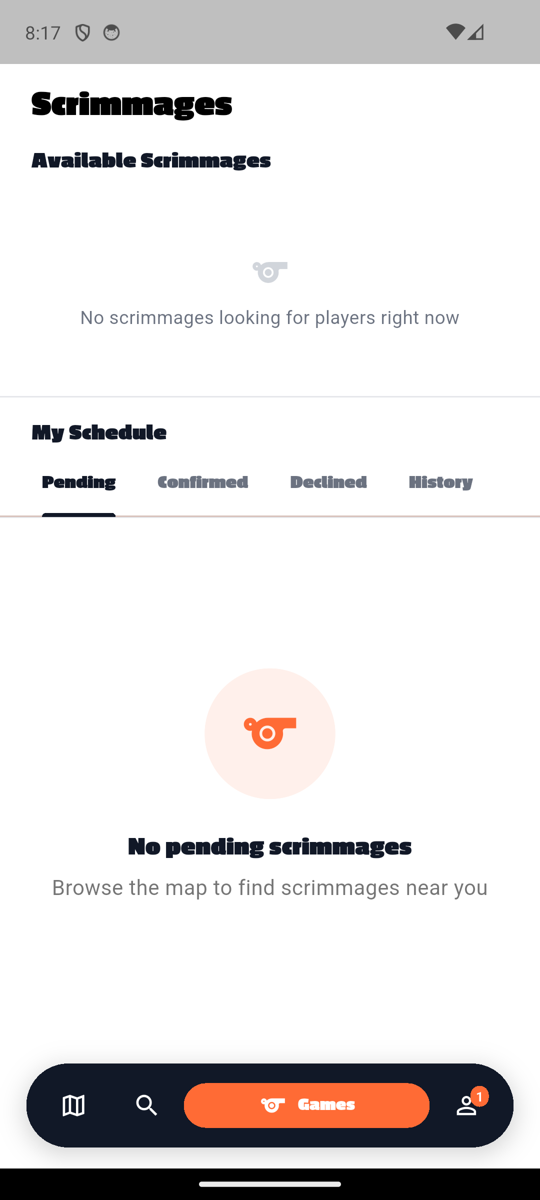
Games / Scrimmages list (3 user types) close
Figma: figma-scrimmages-screens/01_scrimmages_list.png · Code: features/scrimmages/presentation/screens/scrimmages_list_screen.dart
Figma
Coach
Player
Official
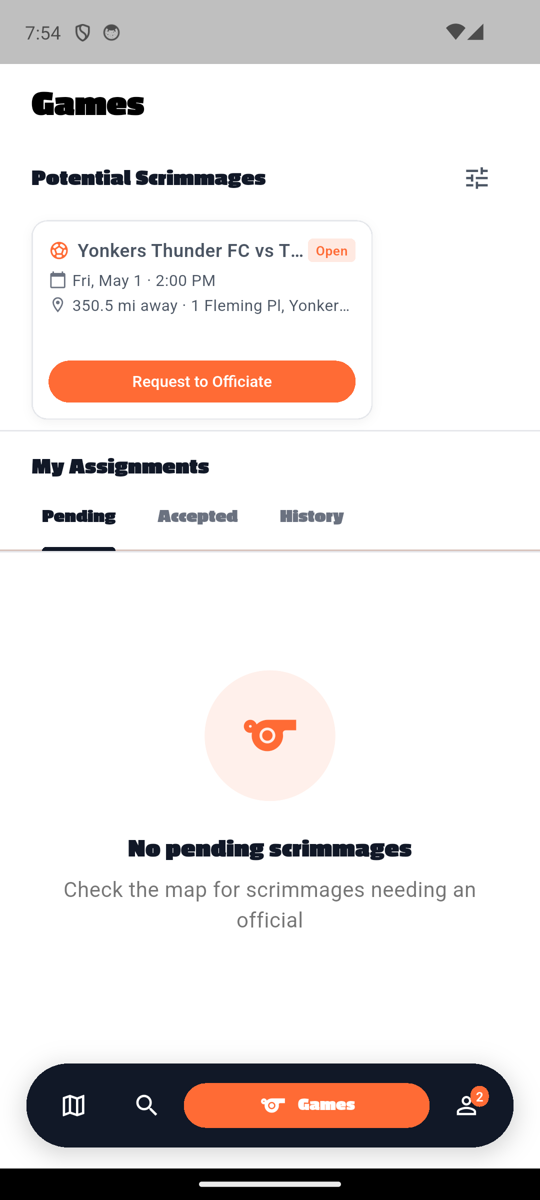
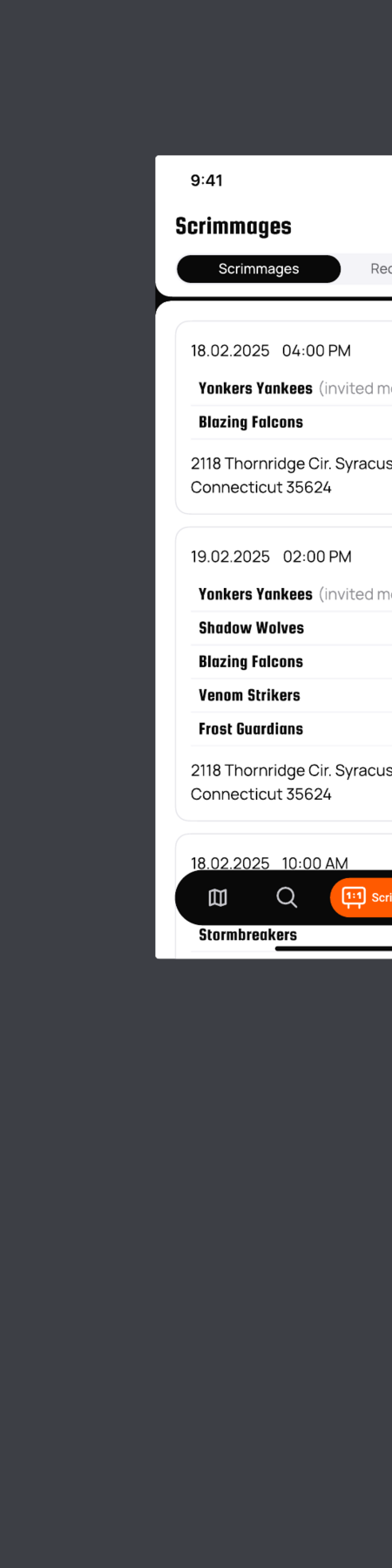
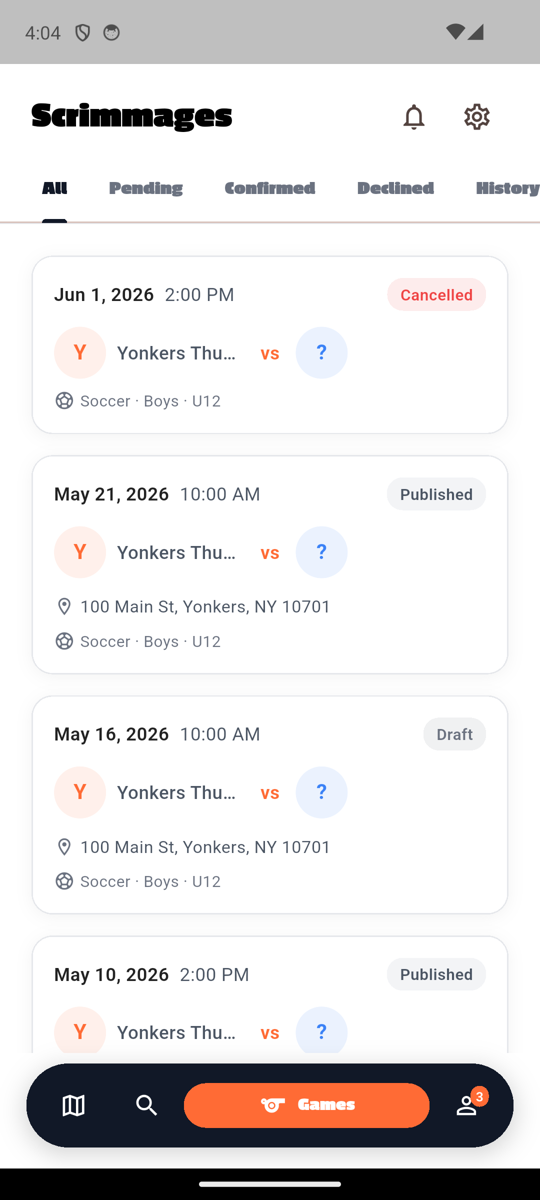
Passion One "Scrimmages"/"Games" heading at top — header chrome icons removed per Figma (was: notification + settings IconButtons). Coach view: scrimmage cards with date + time + Confirmed/Cancelled/Completed status pill, team avatars + names + vs separator, location, sport • gender • age. Player view: "Available Scrimmages" empty state + "My Schedule" tabs. Official view: "Potential Scrimmages" + Request to Officiate + "My Assignments" tabs.
Shipped 08f7293 — header notification + settings icons removed (Figma 01 shows neither, both routes reachable via Profile tab → Settings).
Multi-tab Material TabBar (All / Pending / Confirmed / Declined / History) vs Figma's 2-tab pill. Tab refactor deferred (in-code comment documents this as intentional divergence — product has more status states than the Figma 2-tab pill).
Profile detail (coach / player / official)
Profile detail (3 user types — own view, AuthScreenLayout) match
Code: features/profile/presentation/screens/{coach|player|official}_profile_screen.dart
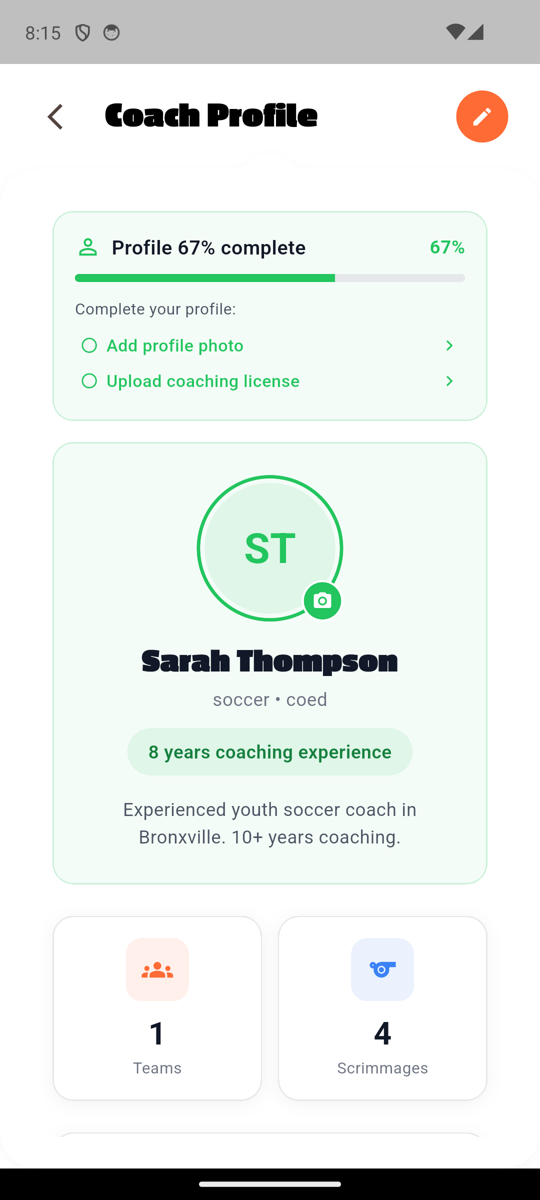
Coach (Sarah Thompson)
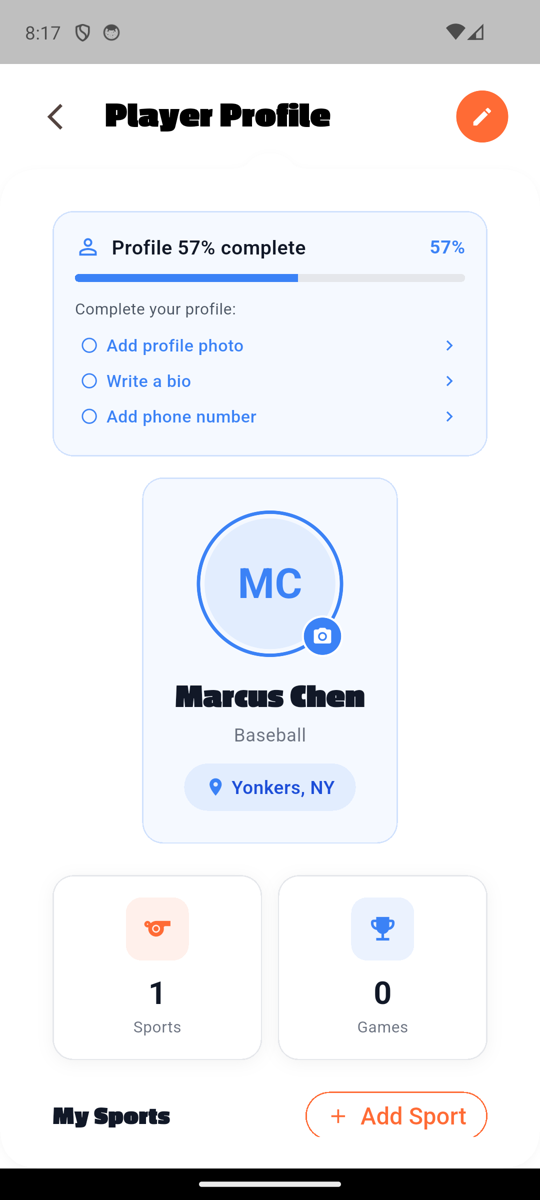
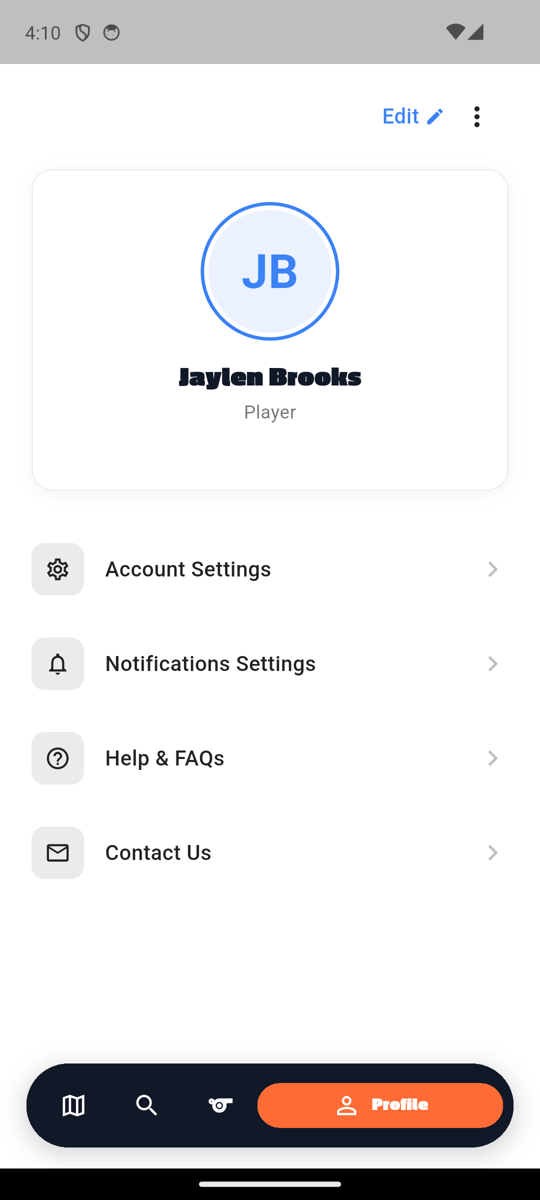
Player (Marcus Chen)
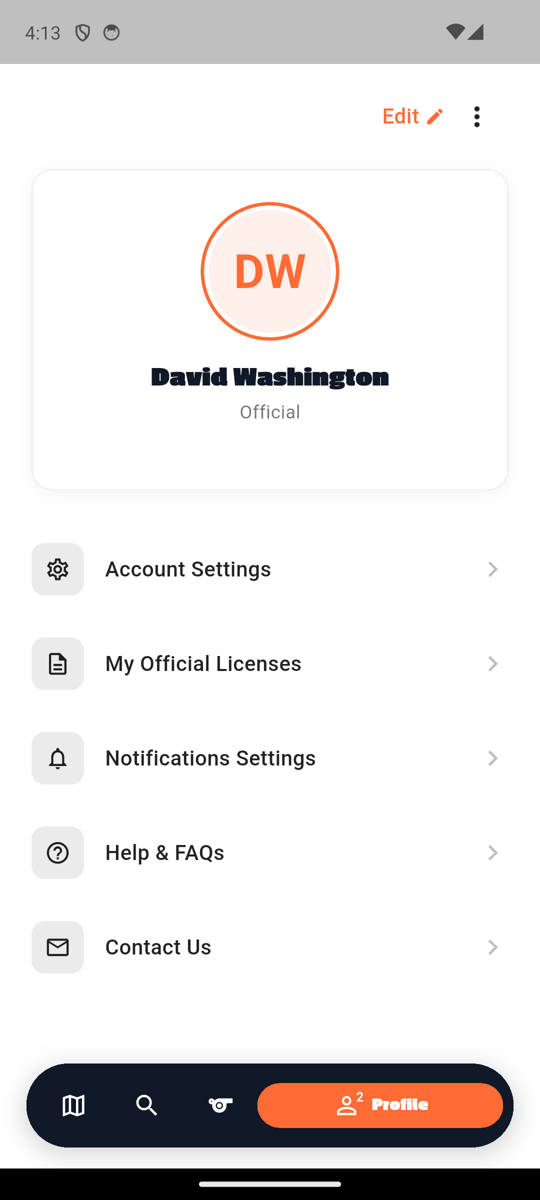
Official (David Washington)
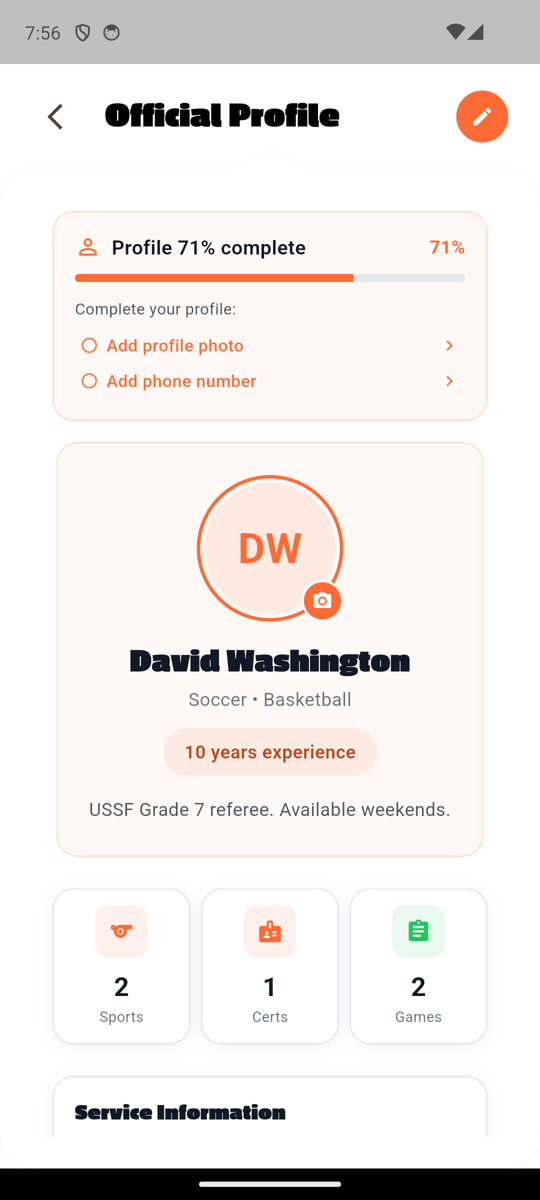
Back chevron + "{Type} Profile" Passion One Black title outside the NotchedCard + orange edit pencil action top right + body inside NotchedCard — consistent across all three profile types per AuthScreenLayout pattern. Profile completion pill colored to match (green/blue/peach). Identity card: themed avatar + camera badge, Passion One name, sport • gender subtitle, themed experience/location pill, bio. 2-3 stat tiles (officials get an extra Certs slot).
Shipped fc0d5c0 — replaced custom _buildHeader (gray100 round back + orange round edit) with AuthScreenLayout(title, showBackButton, actions: [edit-button]). Body wraps in NotchedCard. Same refactor across all three profile screens.
Official Profile (scrolled — Service Information) match
Code: features/profile/presentation/screens/official_profile_screen.dart
App (mid scroll)
Notes
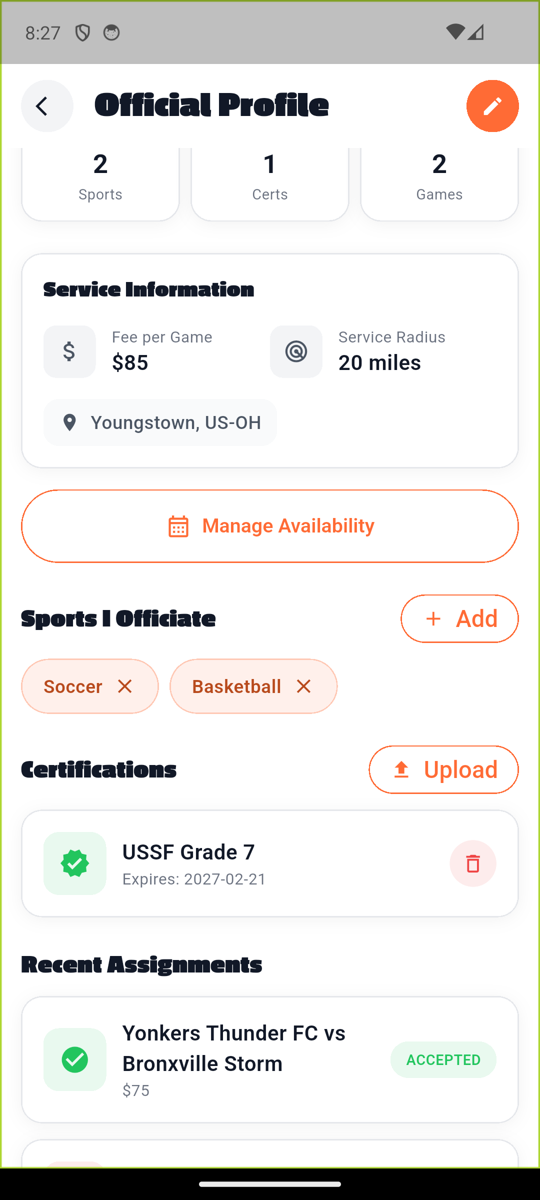
"Service Information" Passion One section: Fee per Game $85, Service Radius 20 miles, Youngstown US-OH location pill. Orange-bordered "Manage Availability" pill (📅 icon) — entry point to Set Availability flow. "Sports I Officiate" (Soccer + Basketball orange chips with X) + Add pill. "Certifications" (USSF Grade 7 with expiry + delete icon) + Upload pill. "Recent Assignments" cards.
Set Availability / Address Picker / Schedule
Set Availability match
Figma: figma-profile-creation-screens/14_set_availability.png · Code: features/availability/presentation/screens/set_availability_screen.dart
Figma
App
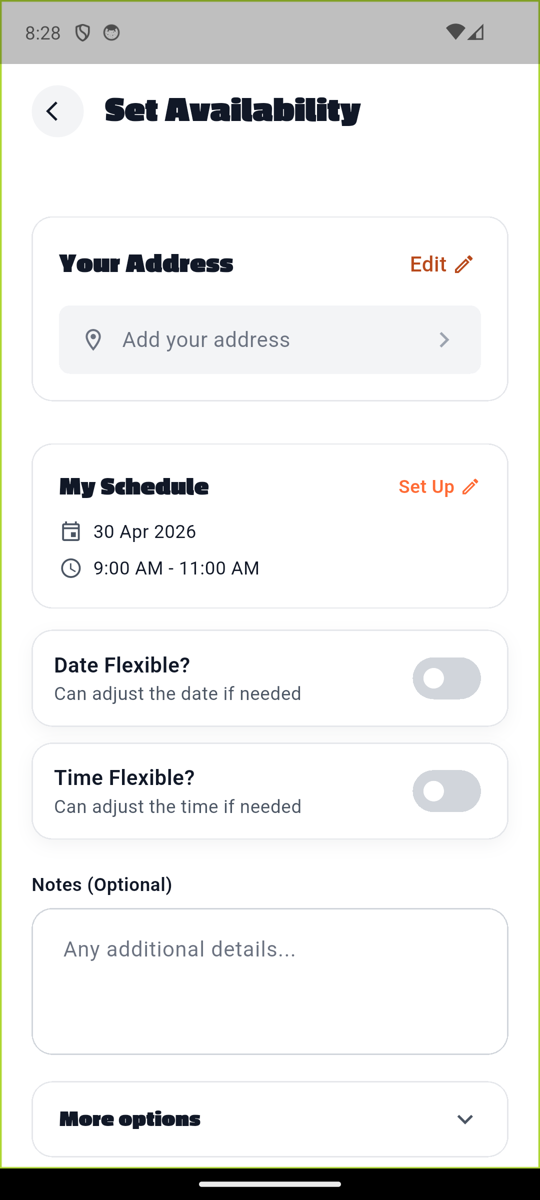
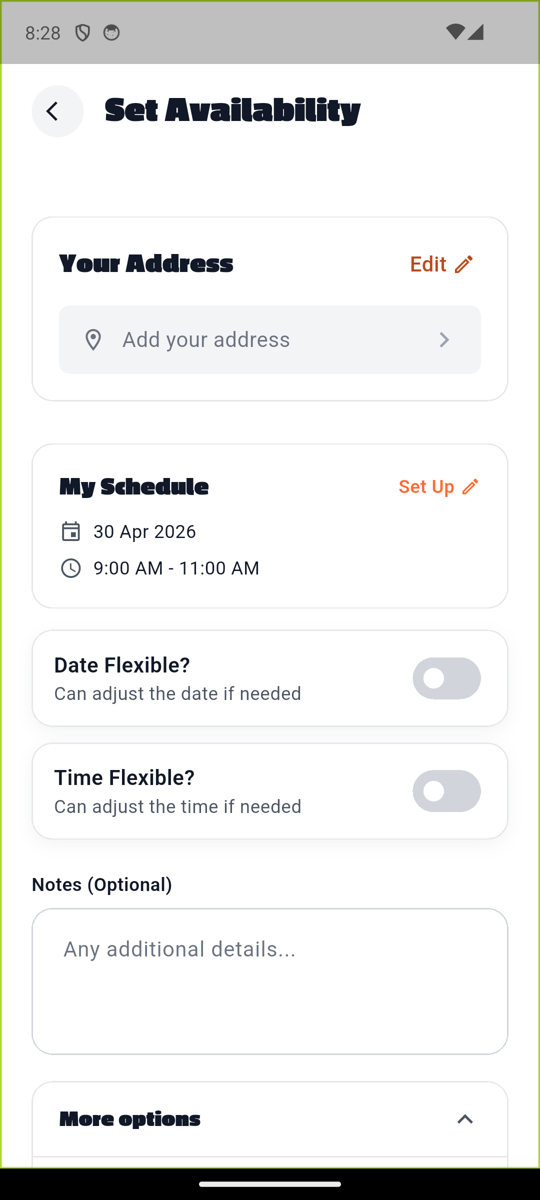
Back chevron + Passion One "Set Availability" title. "Your Address" stacked card with Edit pencil + "Add your address" placeholder pill. "My Schedule" stacked card with "Set Up" link + 📅 30 Apr 2026 + 🕐 9:00 AM - 11:00 AM. Date Flexible? / Time Flexible? toggle rows. Notes (Optional) text area. "More options" collapsible header at bottom.
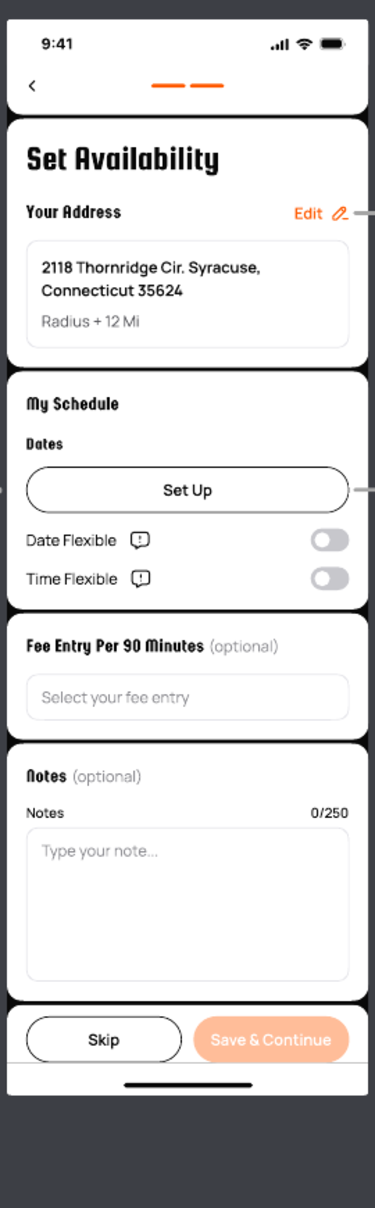
Earlier commit a7c7306 — address card matches Figma 14 (title + Edit affordance + address text + radius subtitle).
Set Availability — More Options expanded match
Code: features/availability/presentation/screens/set_availability_screen.dart:890
App
Notes
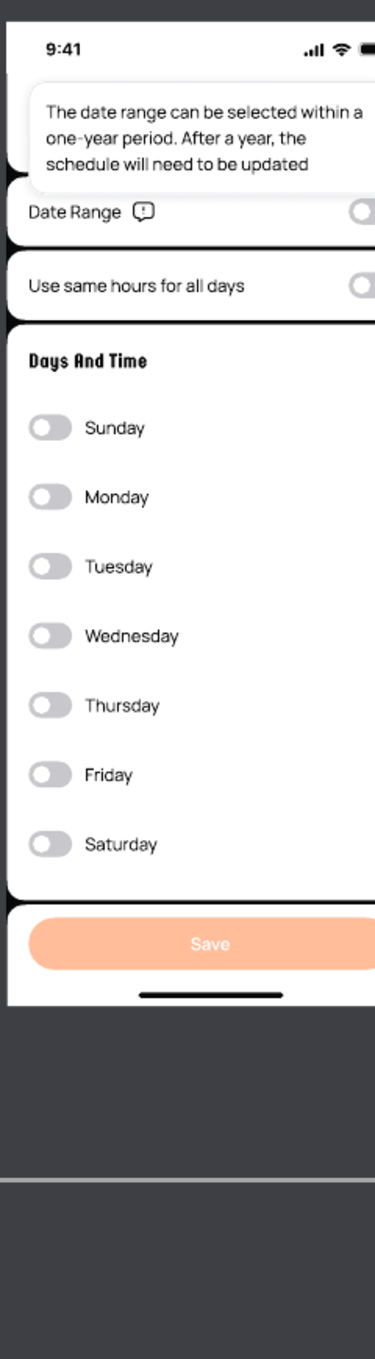
"More options" disclosure toggled — chevron points up. Per Scott's directive (2026-04-29), advanced sections collapse under More options instead of being removed entirely.
Address Picker match
Figma: figma-profile-creation-screens/15_address_map.png · 16_address_map_detail.png · Code: features/location/presentation/screens/address_picker_screen.dart
Figma
App
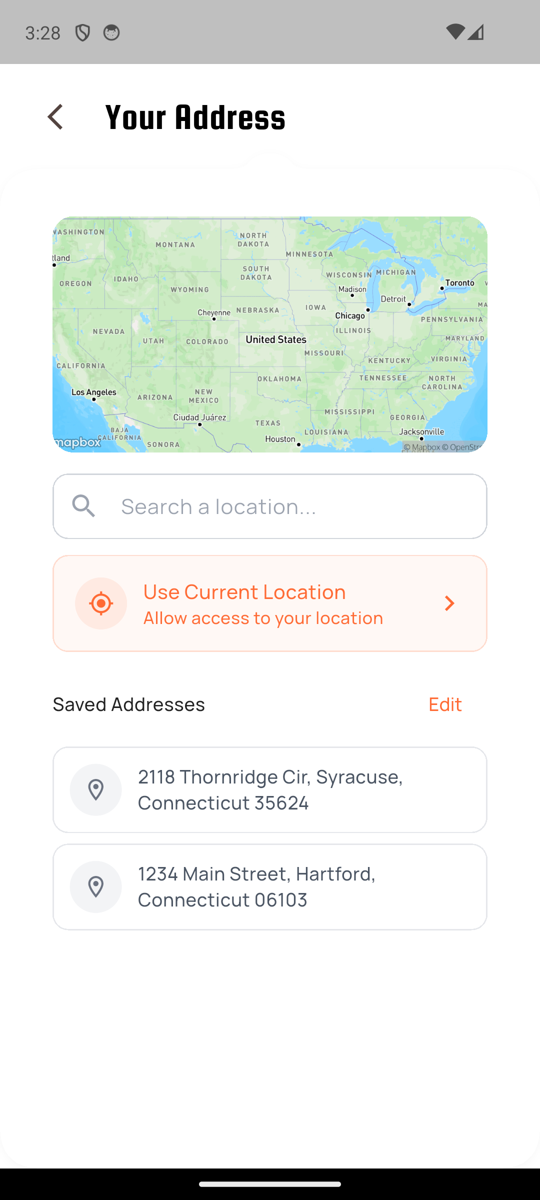
Back chevron + Passion One "Your Address" title. Mapbox map of US (default zoom). Search a location input. Orange-bordered "Use Current Location" pill with status subtitle. "Saved Addresses" section + Edit link with two saved address rows (location pin + multi-line address).
Availability Schedule (Specific / Recurring tabs) match
Figma: figma-profile-creation-screens/17_availability_schedule.png · 18_schedule_dates.png · 19_schedule_calendar.png · 20_schedule_time_picker.png · Code: features/availability/presentation/widgets/schedule_bottom_sheet.dart
Figma
App
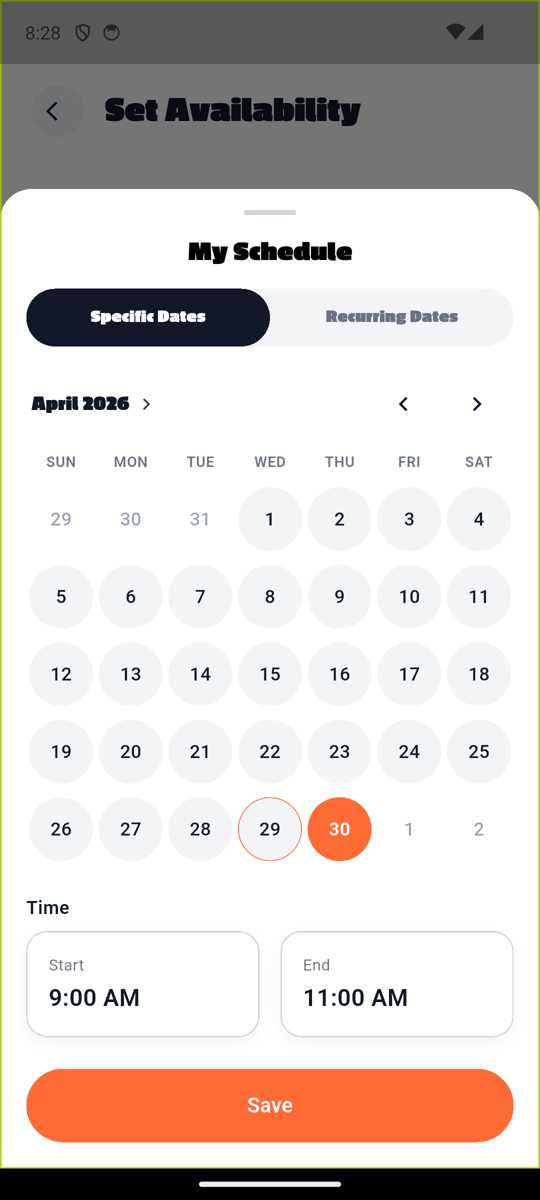
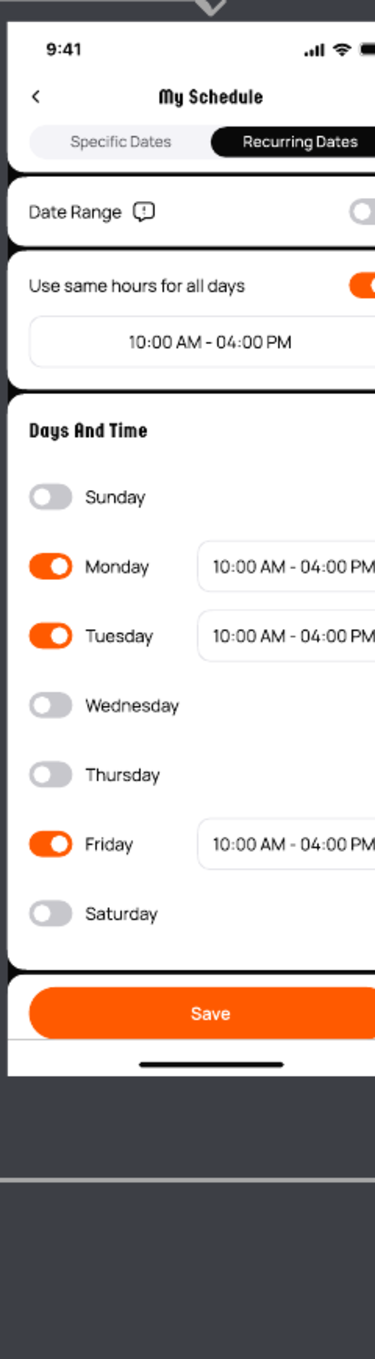
Modal bottom sheet with drag handle + Passion One "My Schedule" title. Black-pill segmented "Specific Dates / Recurring Dates" (Specific Dates active per Figma 17). Calendar view (April 2026) with day-of-week headers + circular day cells; selected date 30 highlighted in orange filled circle, today (29) in orange-bordered ring. Time section: Start/End pickers showing 9:00 AM / 11:00 AM. Orange Save pill at bottom.
Account & settings
Account Settings match
Code: features/settings/presentation/screens/settings_screen.dart
App
Notes
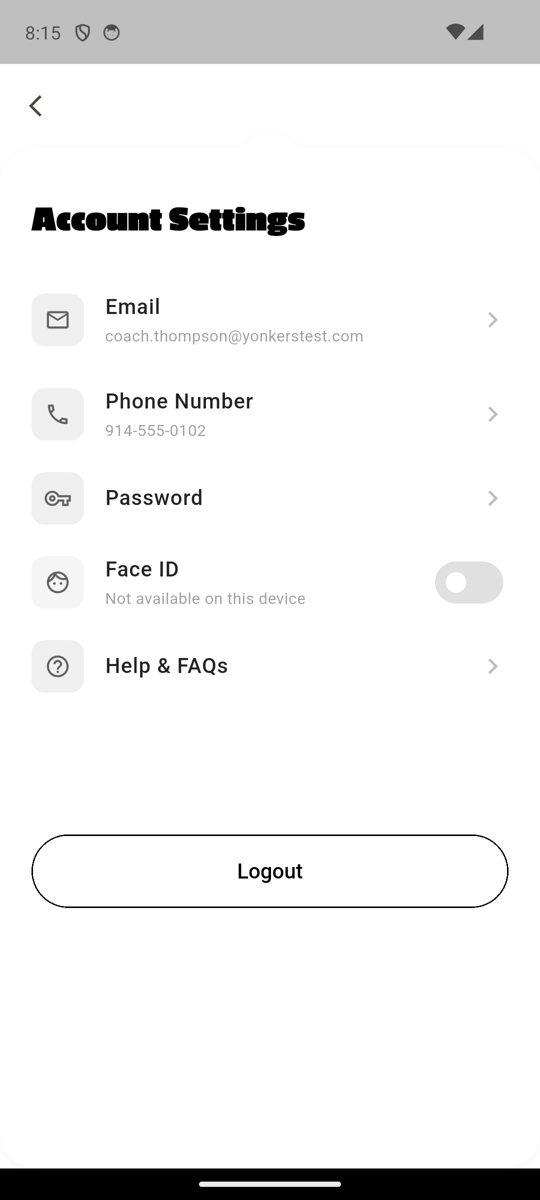
Back chevron, NotchedCard, Passion One "Account Settings", settings list (Email / Phone Number / Password / Face ID toggle / Help & FAQs), Logout black-bordered pill at footer (Figma secondary-CTA spec).
Change Email match
Figma: figma-account-screens/01_change_email_empty.png · Code: features/settings/presentation/screens/change_email_screen.dart
Figma
App
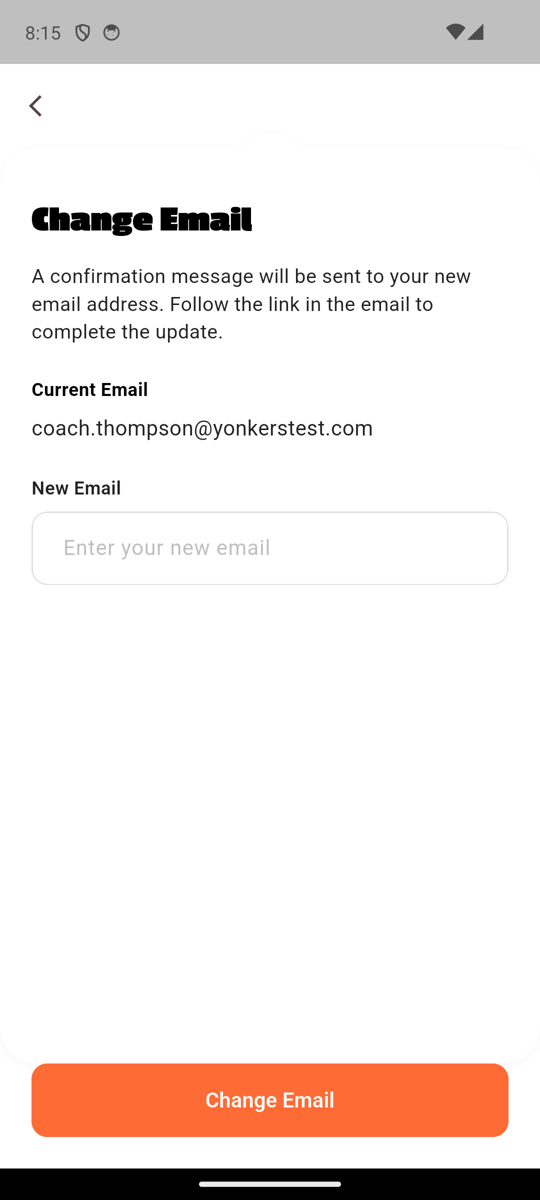
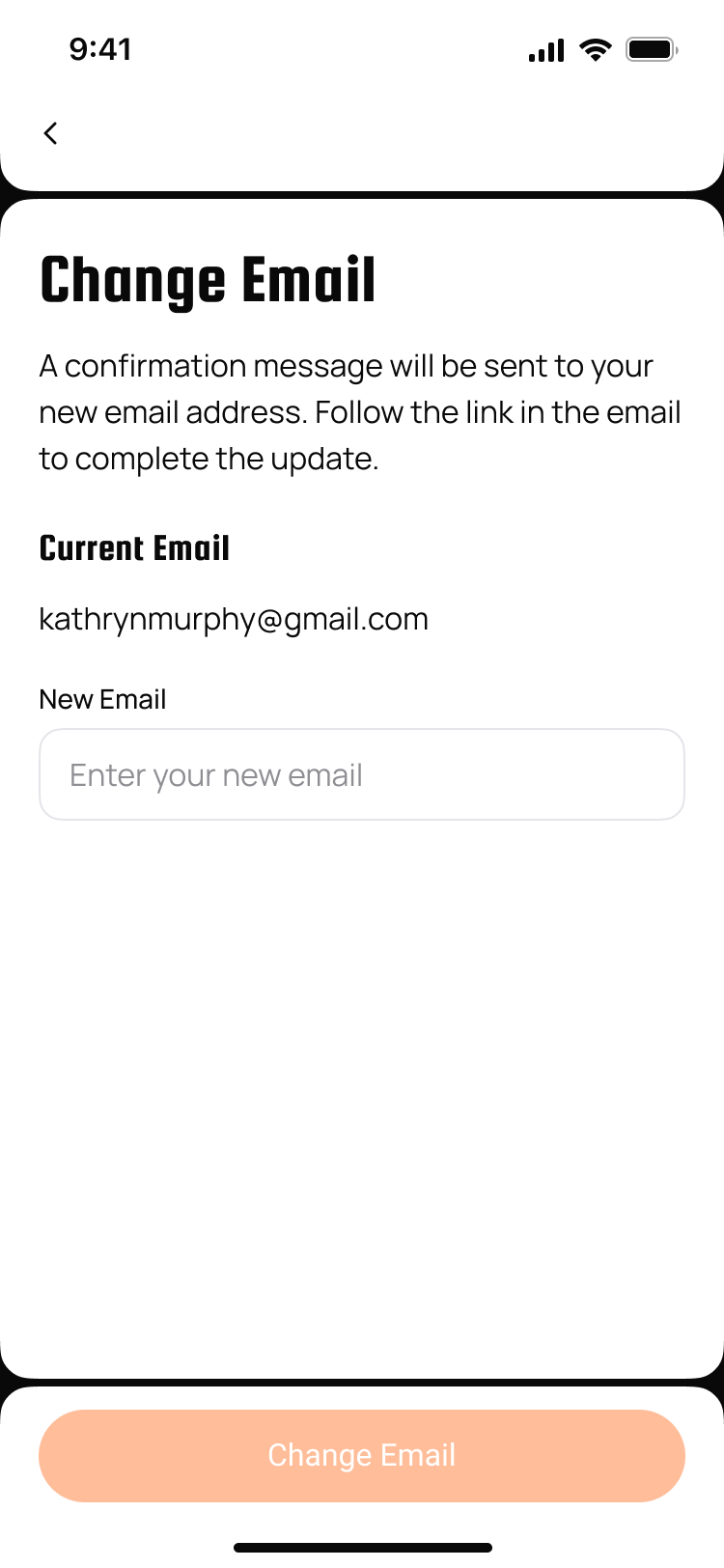
Passion One "Change Email", NotchedCard, body copy, Current Email static text, New Email field rendered as 12px rounded-rect (no longer pill r=30), orange Change Email pill at bottom — all match.
Shipped 08f7293 — text-field corner radius pill r=30 → rounded-rect r=12 per Figma 01_change_email_empty.
Change Phone match
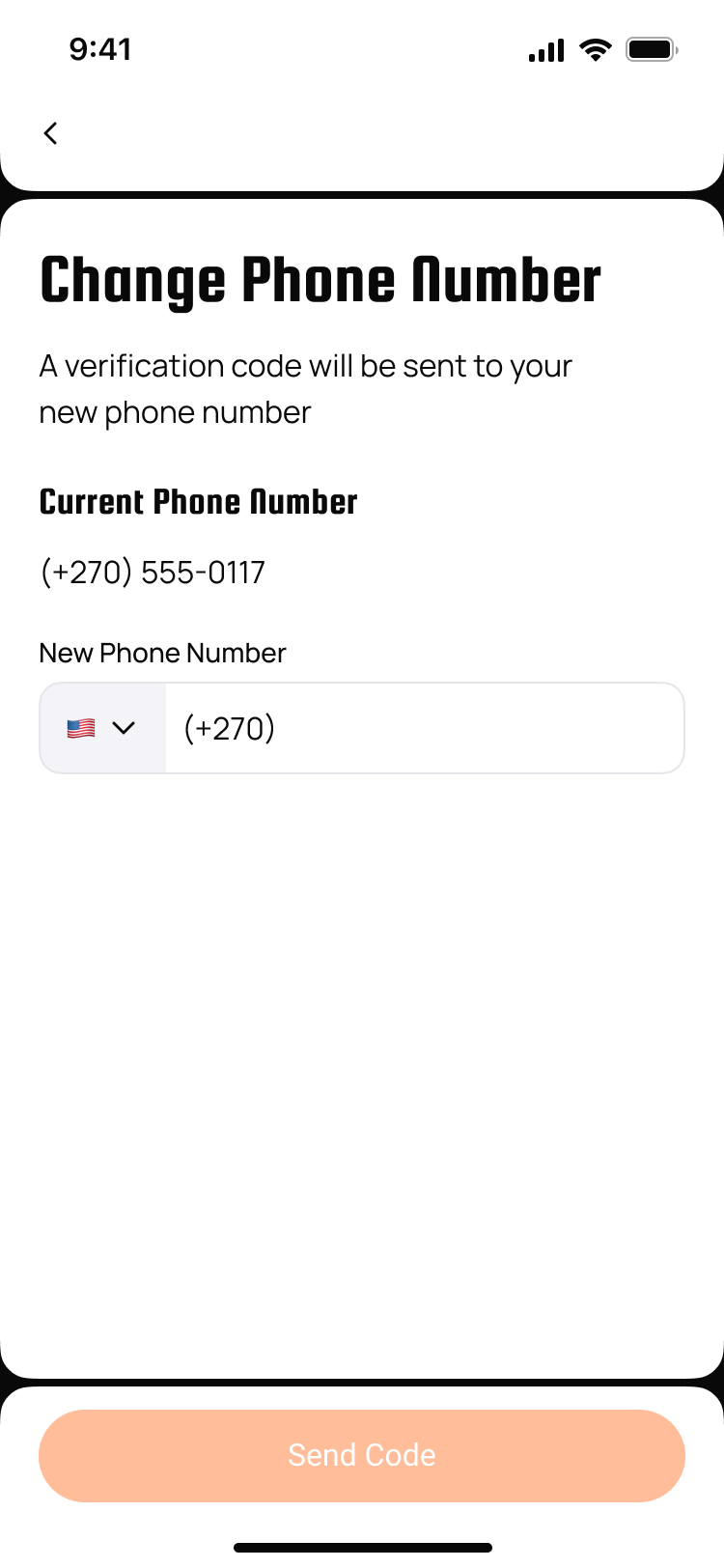
Figma: figma-account-screens/09_change_phone_empty.png · Code: features/settings/presentation/screens/change_phone_screen.dart
Figma
App
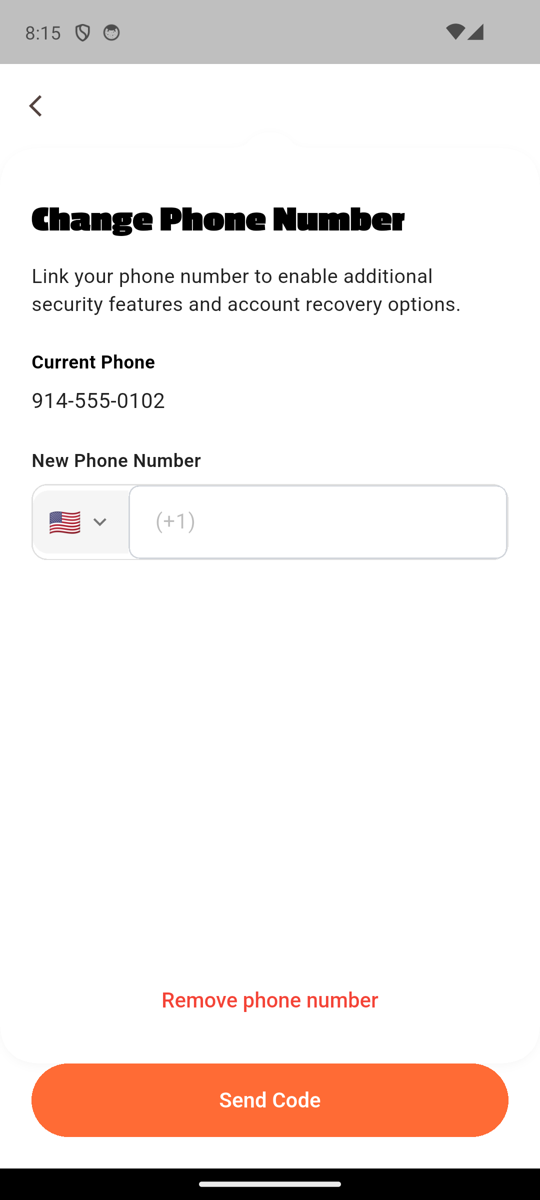
Passion One "Change Phone Number", body copy, Current Phone static text (914-555-0102), New Phone Number field with US-flag dropdown in gray-100 fill block + chevron + "(+1)" placeholder in 12px rounded outer container. "Remove phone number" red link. Orange Send Code pill at bottom.
Shipped 9c52a83 — US-flag country dropdown added; title parity ("Update Phone"/"Add Phone" → "Change Phone Number"/"Add Phone Number"); outer container r=30 → r=12.
Change Password match
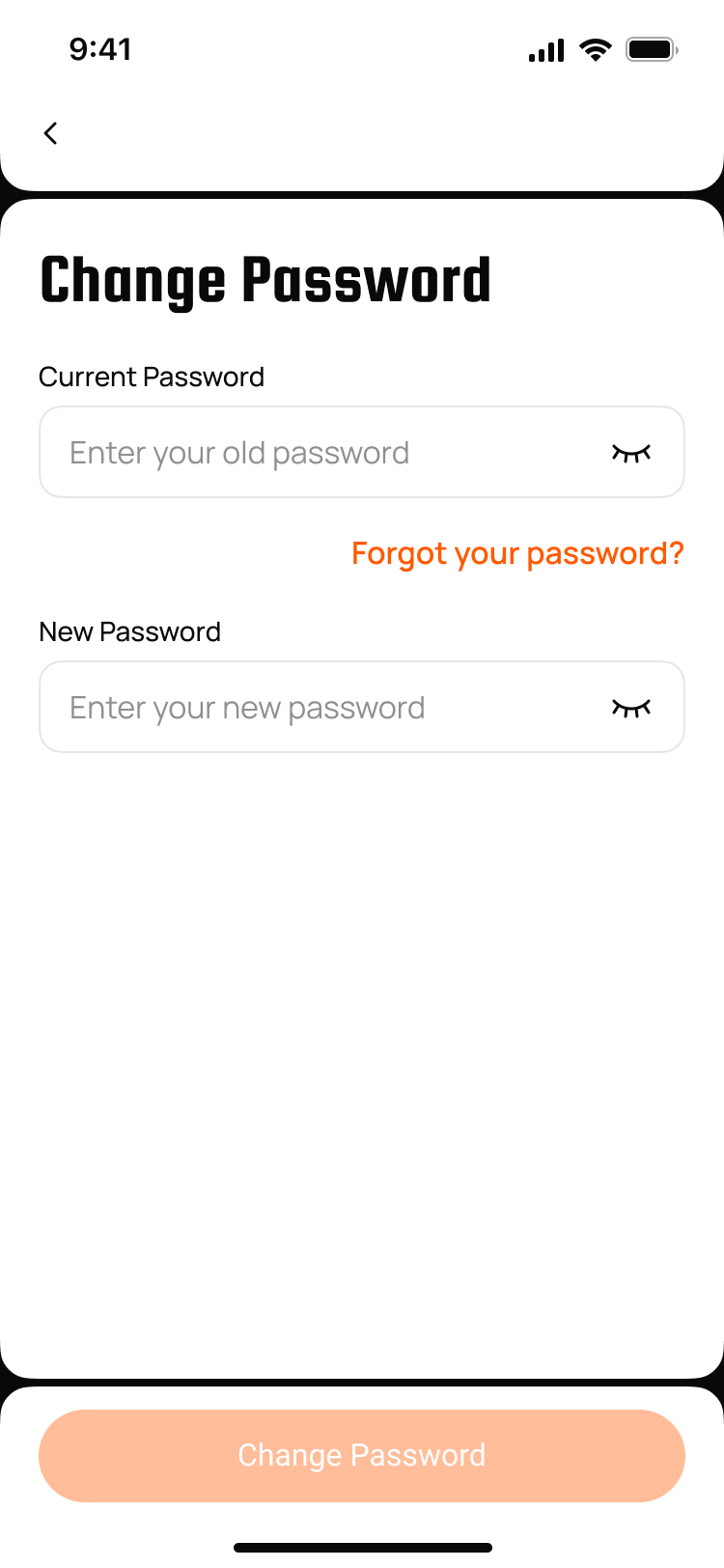
Figma: figma-account-screens/05_change_password_empty.png · Code: features/settings/presentation/screens/change_password_screen.dart
Figma
App
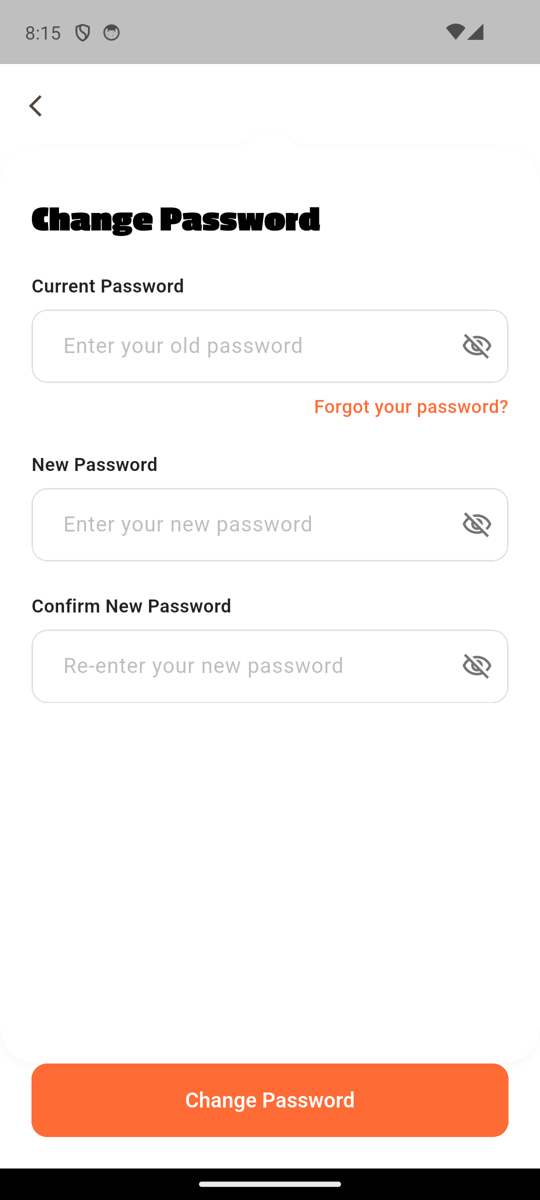
Passion One "Change Password", NotchedCard, Current Password with eye-off + "Forgot your password?" right-aligned, New Password, Confirm New Password — all 12px rounded-rect fields. Orange Change Password pill at bottom.
Shipped 08f7293 — text-field corner radius pill r=30 → rounded-rect r=12 per Figma 05_change_password_empty.
Notifications Settings match
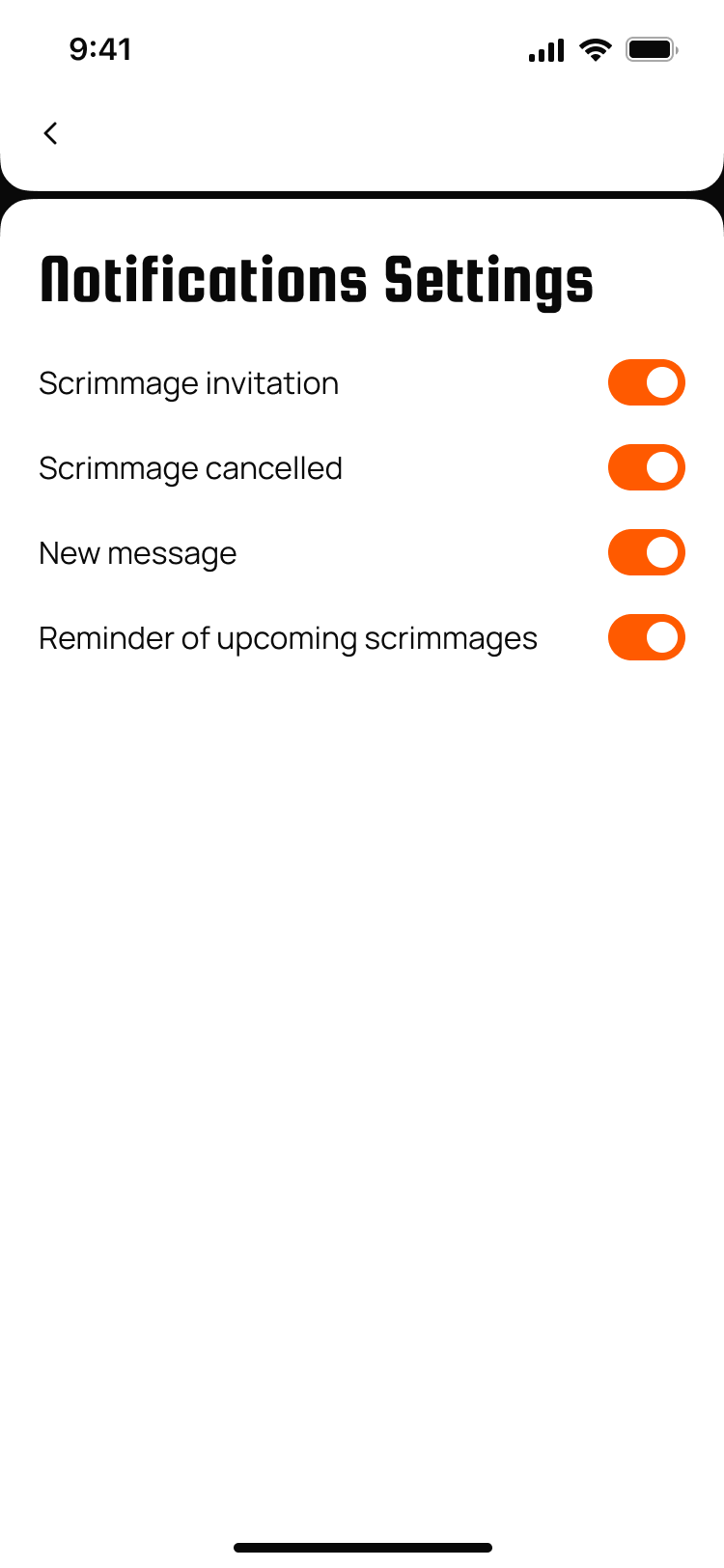
Figma: figma-account-screens/12_notifications.png · Code: features/settings/presentation/screens/notifications_settings_screen.dart
Figma
App
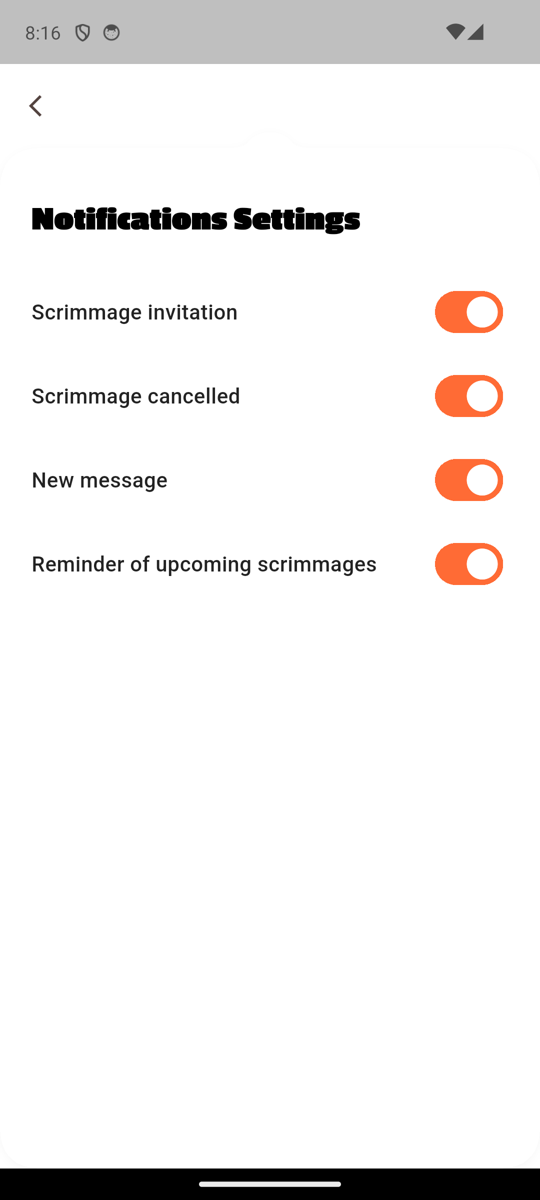
Passion One "Notifications Settings", four toggle rows (Scrimmage invitation / Scrimmage cancelled / New message / Reminder of upcoming scrimmages), all orange when ON.
Shipped 08f7293 — silent toggle, no SnackBar feedback (Figma 12 shows no toast; code previously fired one on every change).
My Coaching Licenses / My Official Licenses match
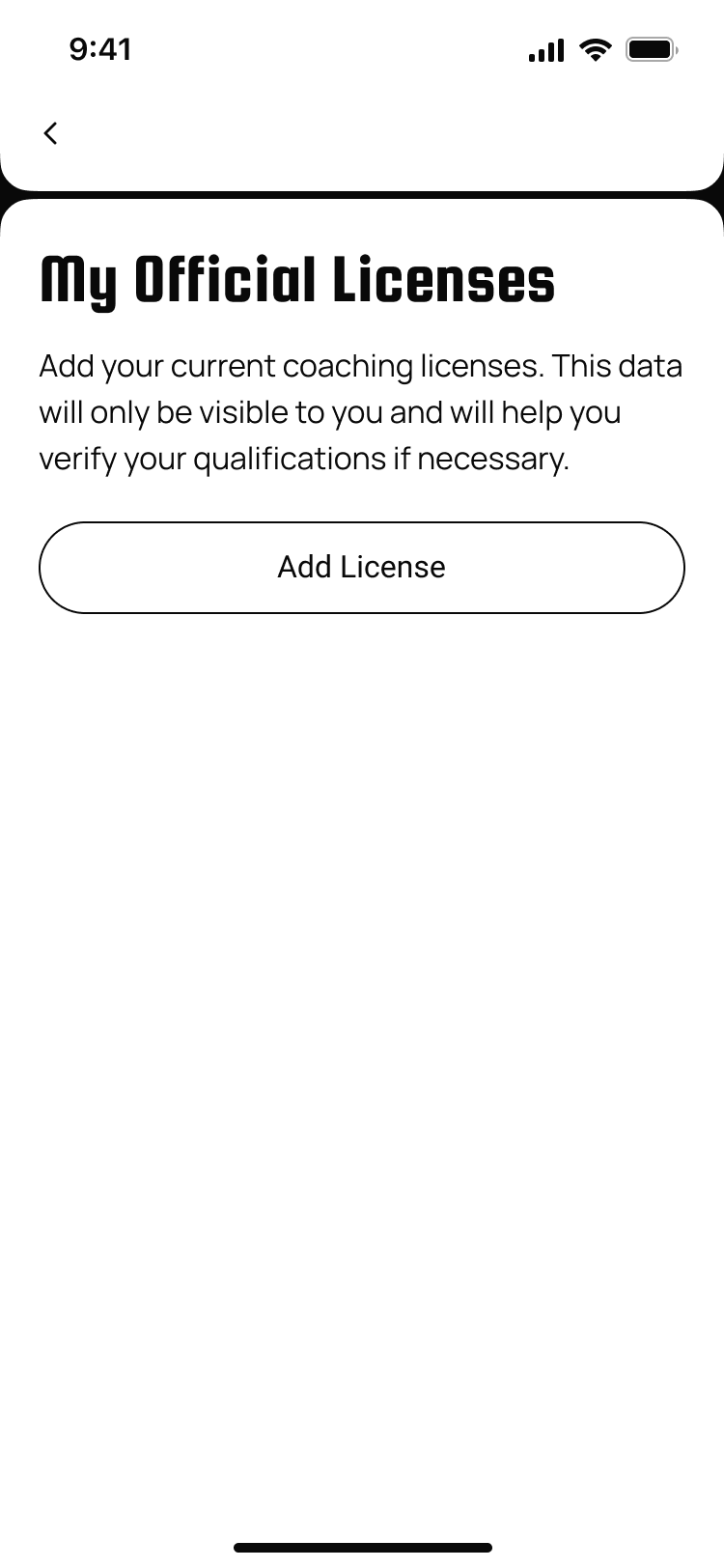
Figma: figma-account-screens/13_licenses_empty.png · Code: features/profile/presentation/screens/licenses_screen.dart
Figma
App (Coach)
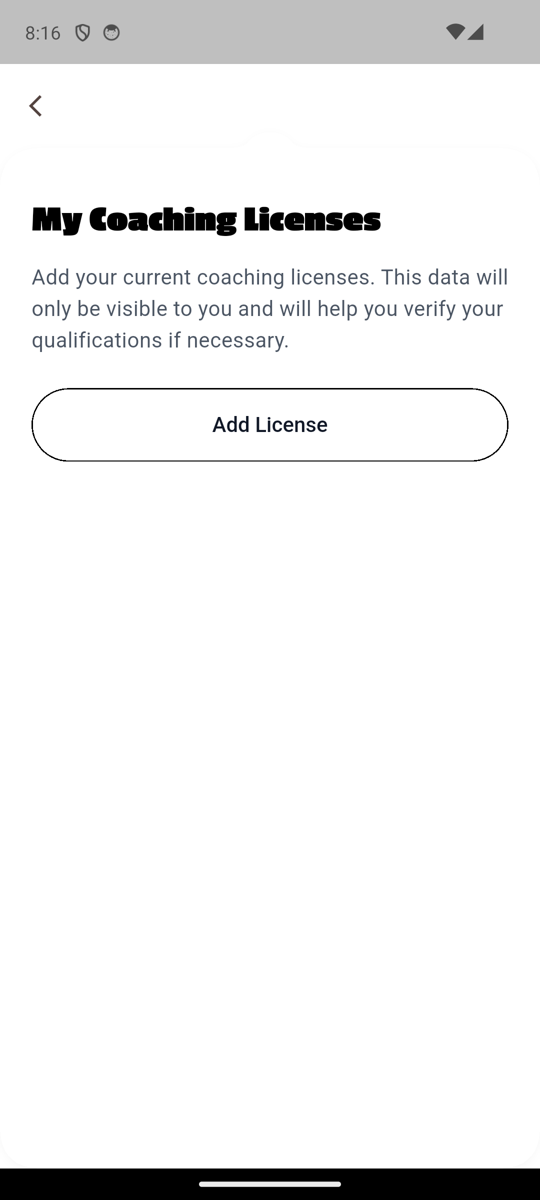
Passion One "My Coaching Licenses" (would say "My Official Licenses" for an official user), body copy, "Add License" black-bordered pill (Figma secondary-CTA spec).
Delete dialog also swept in 08f7293: TextButton Cancel/Delete → black-bordered Cancel pill + filled red Delete pill (matches every other destructive dialog in the app).
FAQs (settings path) match
Code: features/onboarding/presentation/screens/faq_screen.dart (also reachable from drawer 3-dot → Tour the App / FAQ → Continue to FAQs)
App (settings path)
App (post-tour path)

Same FAQ widget reached via two routes: from Profile drawer → Help & FAQs (settings path), and from Profile drawer 3-dot → Tour the App / FAQ → Continue to FAQs (post-tour path). The post-tour capture shows a single orange progress bar at top — that's the Tour App's progress indicator carried into the FAQ navigation, not a regression in faq_screen.dart.
Messages / chat / group
Conversation list (3 user types) match
Figma: figma-messages-screens/01_conversation_list.png · Code: features/messaging/presentation/screens/conversation_list_screen.dart
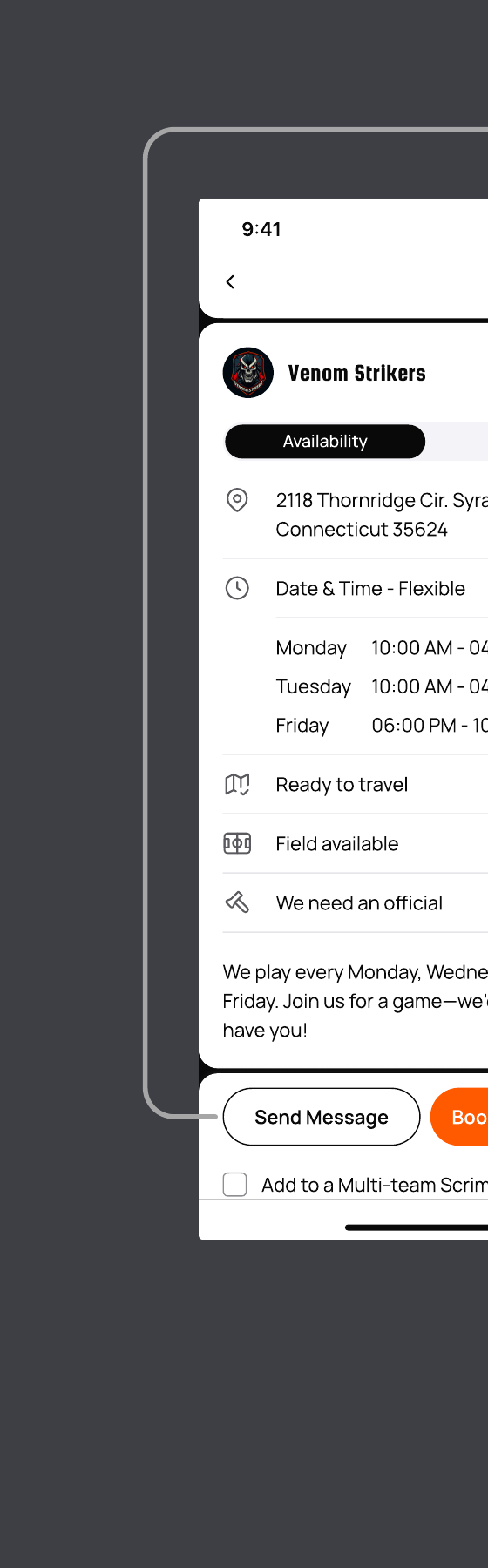
Figma
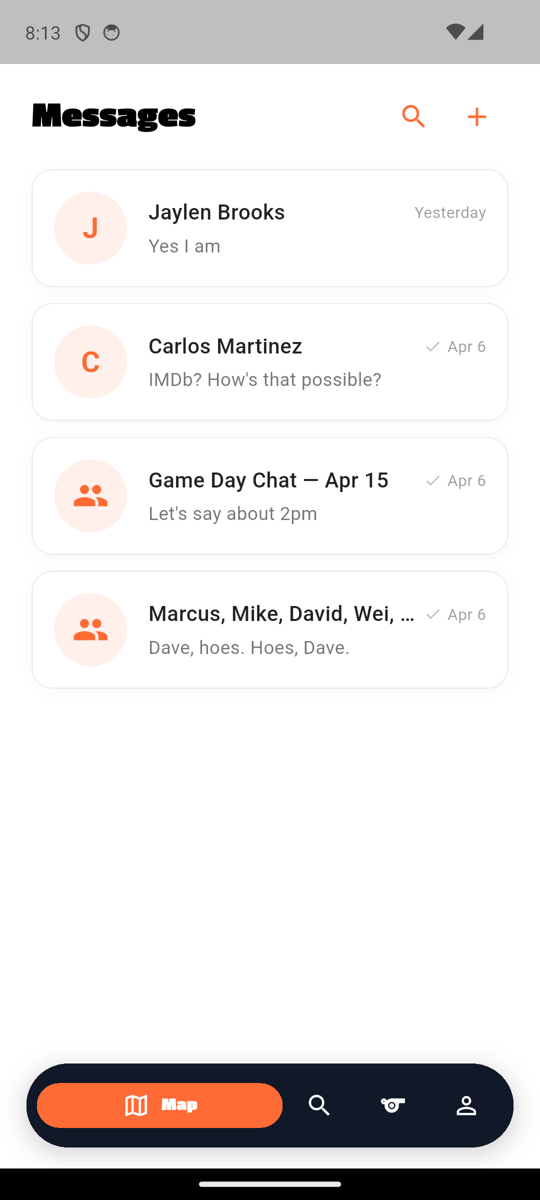
Coach
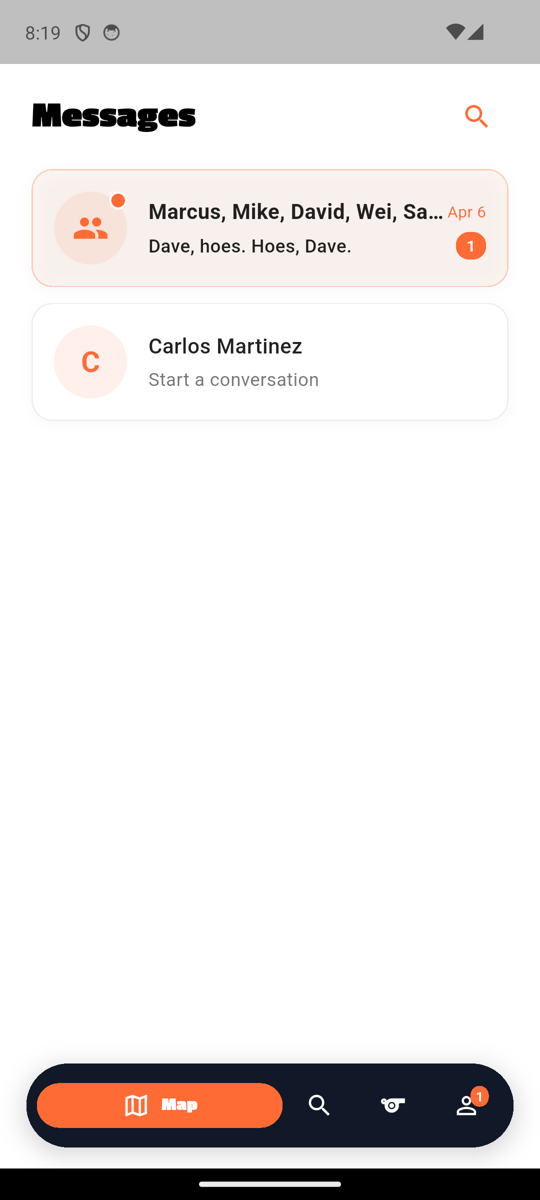
Player
Official
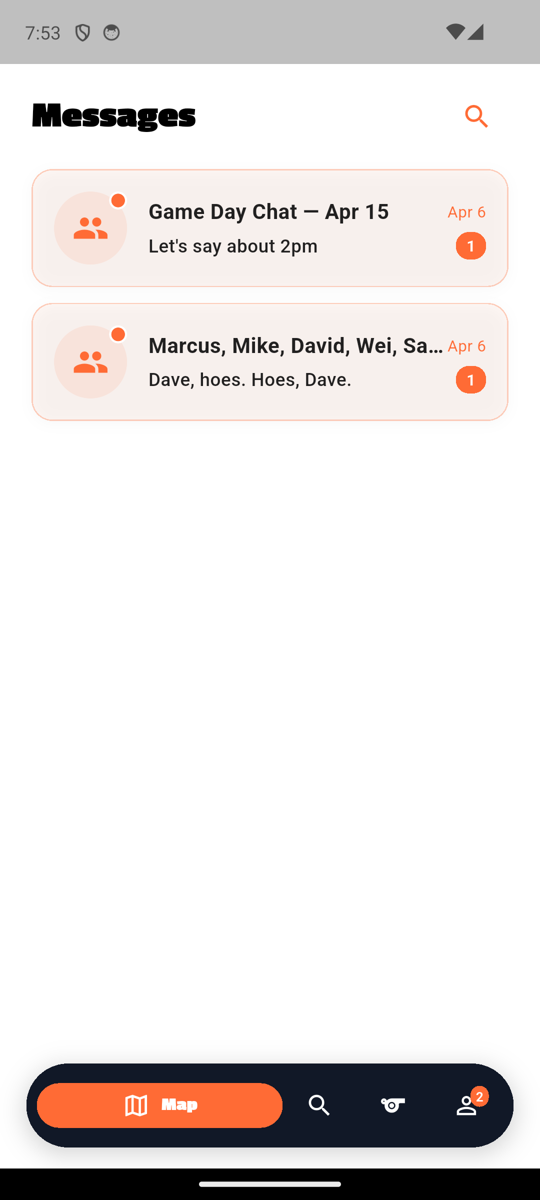
Passion One "Messages" + orange search icon + orange `+` icon (coach only). Conversation rows with avatar (presence dot for unread), name in Bungee/Passion One, last-message snippet, timestamp, orange unread badge on the right peach-tinted unread row. Group chats use the people icon for the avatar.
Shipped 08f7293 — 3-dot AppMenuButton removed (Figma 01 shows no menu; Profile tab covers it). Coaches still see the orange `+` icon for new conversations; players and officials see only the search icon.
Chat (1:1, with messages) match
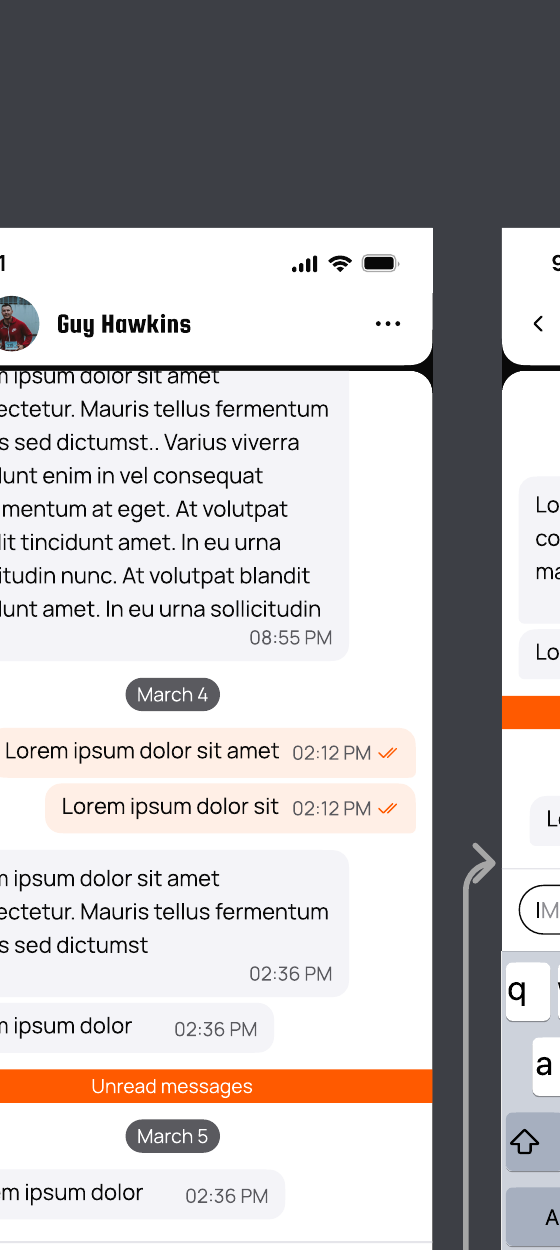
Figma: figma-messages-screens/06_chat_messages.png · Code: features/messaging/presentation/screens/chat_screen.dart
Figma
App
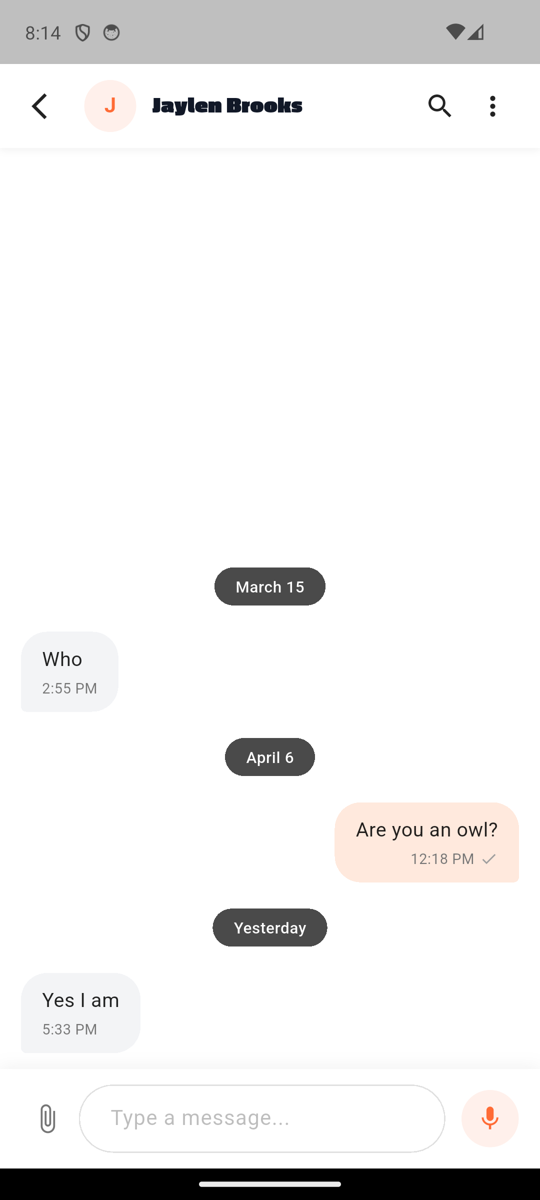
Custom chat header (back chevron + avatar + Bungee/Passion One display name + search + 3-dot for chat-specific actions like Clear/Block/Delete). Date pills (March 15 / April 6 / Yesterday) in dark gray rounded pills. Gray incoming bubbles ("Who", "Yes I am") + peach outgoing bubble ("Are you an owl?") with HH:MM + orange checkmark read receipts. Paperclip + "Type a message..." + microphone input row at bottom.
Group Chat match
Code: features/messaging/presentation/screens/chat_screen.dart (group conversation type)
App
Notes
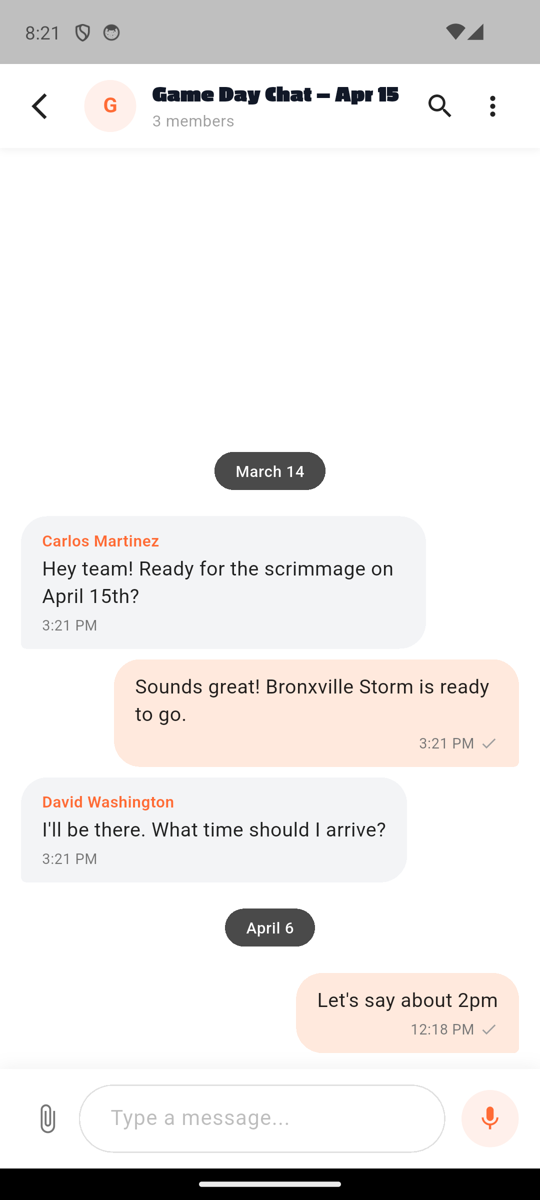
"Game Day Chat — Apr 15" Passion One title + "3 members" subtitle in custom header. Sender names labeled in orange (Carlos Martinez, David Washington) above each incoming bubble. Mixed gray incoming + peach outgoing bubbles with timestamps + checkmarks. Date pills (March 14 / April 6) separating message clusters. Same paperclip + Type a message + microphone input.
Group Info match
Figma: figma-messages-screens/18_group_info.png · 19_group_info_members.png · Code: features/messaging/presentation/screens/group_info_screen.dart
App
Notes
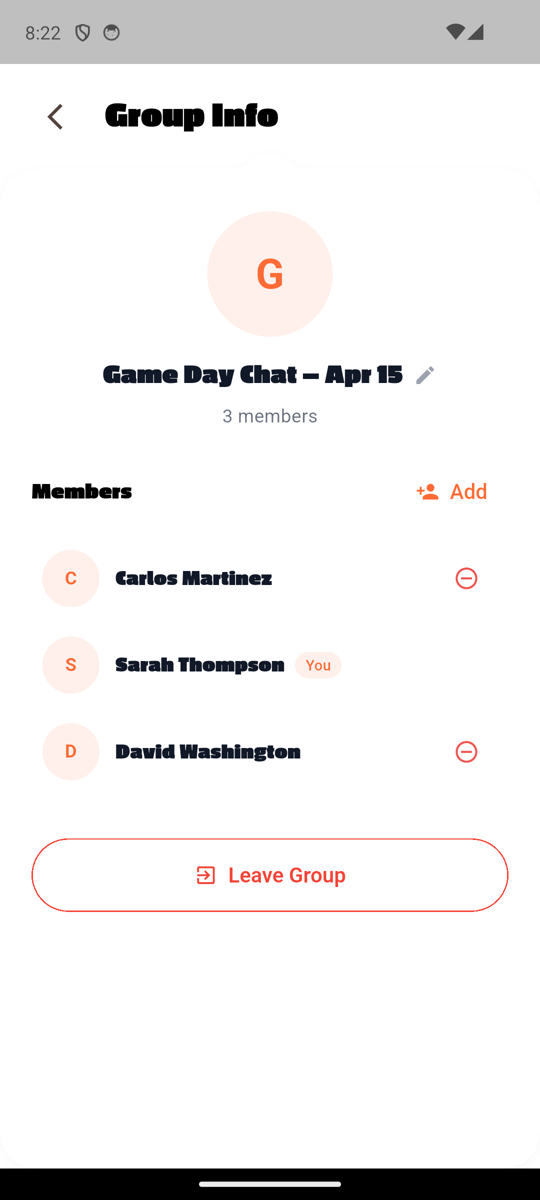
Back chevron + Passion One "Group Info" title. Big peach G avatar + "Game Day Chat — Apr 15" Passion One name + edit pencil + "3 members" subtitle. "Members" Passion One section + orange Add pill. Member rows with profile avatar + name + role pill ("You" peach pill for self) + remove icon (red minus) for others. Red-bordered "Leave Group" pill at bottom.
New Message (contact picker) match
Code: features/messaging/presentation/screens/new_message_screen.dart
App
Notes
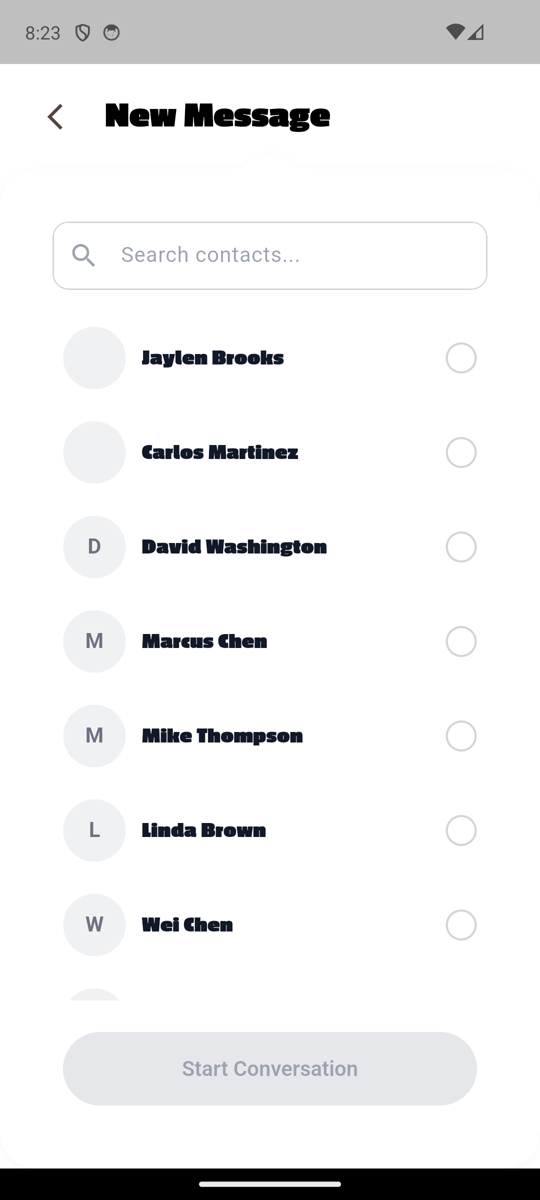
Back chevron + Passion One "New Message" title (NotchedCard). Search Contacts pill input. Contact list with checkbox-style radio circles on right. Disabled (grey) "Start Conversation" pill at bottom — enables when at least one contact is selected. Selecting 2+ contacts routes to /messages/group/create for naming the group.
Friends / Saved Addresses / Invitation Sent / Report
Friends list match
Figma: figma-messages-screens/13_friends_list.png · Code: features/messaging/presentation/screens/friends_screen.dart
App
Notes
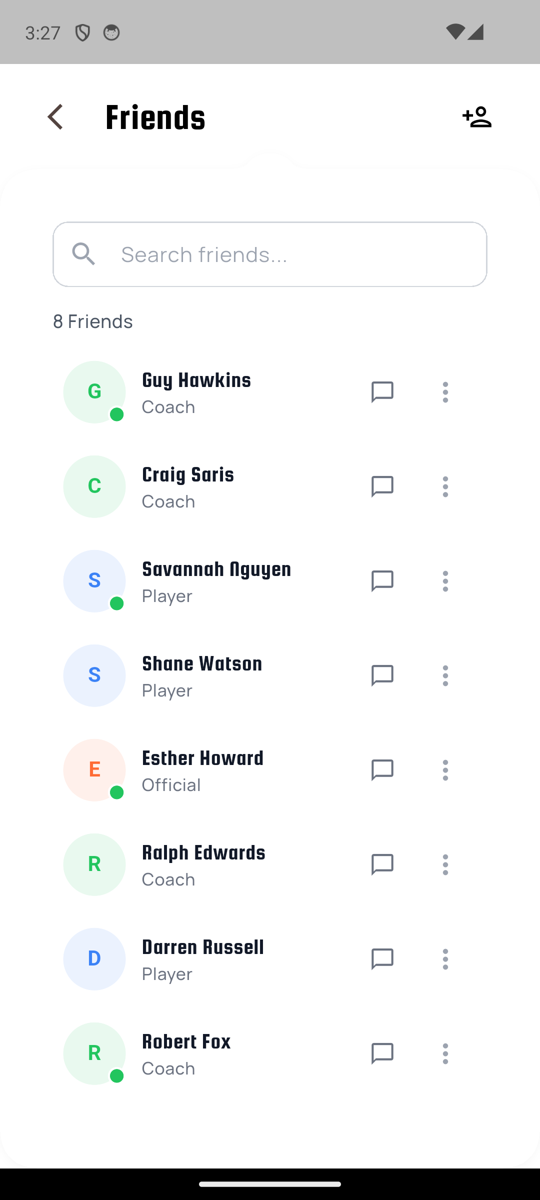
Back chevron + Passion One "Friends" + "+" add-friend icon. Search Contacts pill input. "8 Friends" count. Member rows with profile-type-colored avatars (G green Coach, S blue Player, E peach Official, etc.) + name + role subtitle + chat bubble icon + 3-dot per row. Some avatars show green presence dot.
Saved Addresses (empty state) match
Code: features/location/presentation/screens/saved_addresses_screen.dart
App
Notes
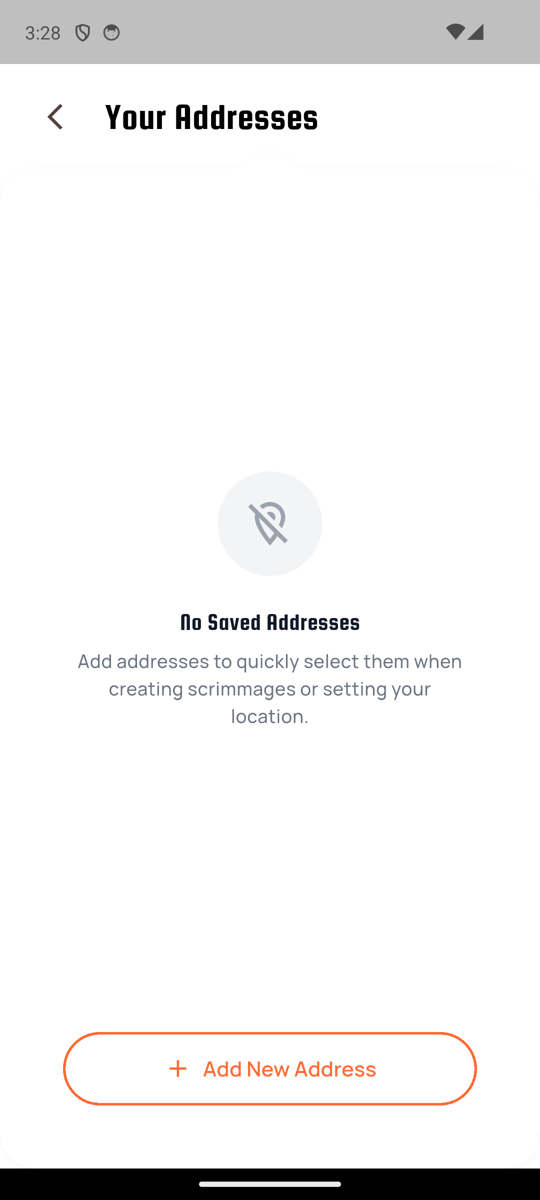
Back chevron + Passion One "Your Addresses" + big gray location-pin-with-slash icon + Passion One "No Saved Addresses" + body + orange-bordered "+ Add New Address" pill at bottom.
Invitation Sent (success state) match
Code: features/teams/presentation/screens/invitation_sent_screen.dart
App
Notes
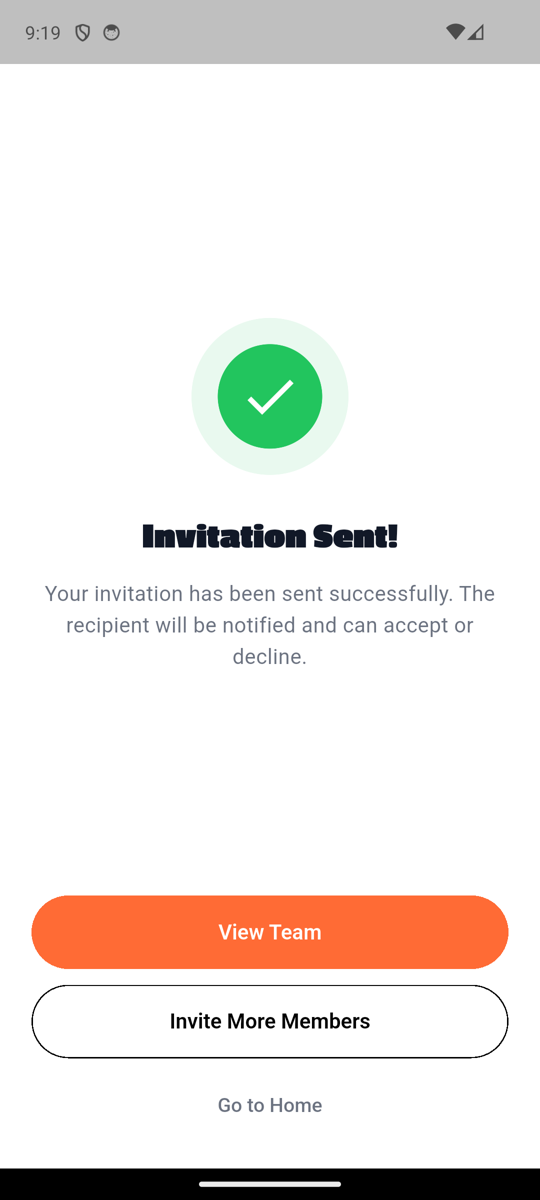
Big green check circle icon + Passion One "Invitation Sent!" + body "Your invitation has been sent successfully. The recipient will be notified and can accept or decline." + orange "View Team" pill + black-bordered "Invite More Members" pill + grey "Go to Home" link. Three-step destination chooser per Figma secondary-CTA spec.
Report match
Figma: figma-search-screens/10_report_reasons.png · 11_report_selected.png · 13_report_filled.png · Code: features/report/presentation/screens/report_screen.dart
Figma

App
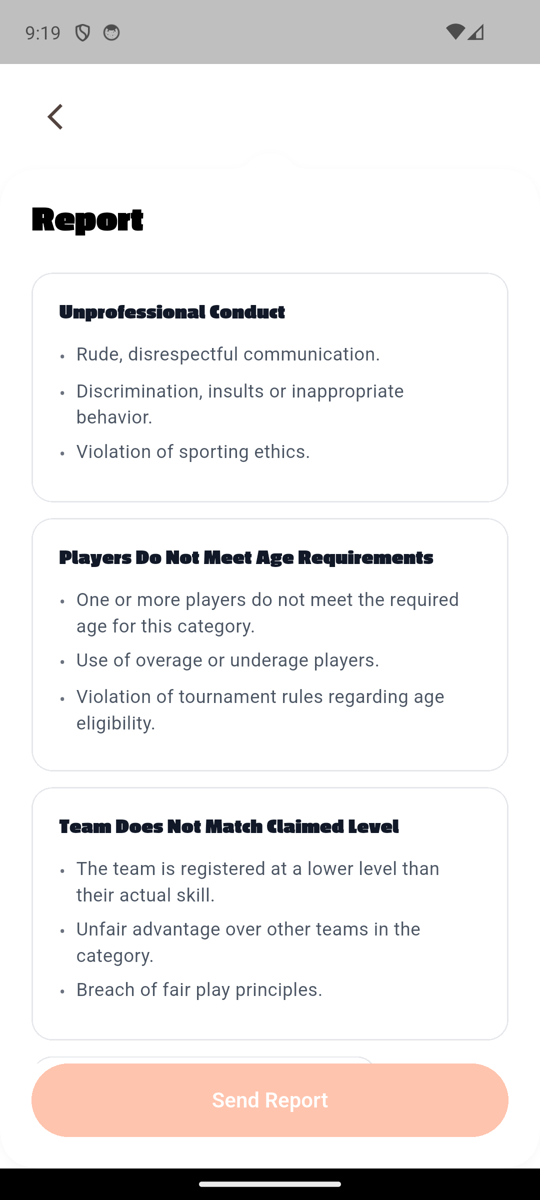
Back chevron + Passion One "Report" + 3 stacked white reason cards (Unprofessional Conduct / Players Do Not Meet Age Requirements / Team Does Not Match Claimed Level), each with Bungee section heading + bullet list of behaviors. Peach disabled "Send Report" pill at bottom (enables when reason selected).
Shipped fc0d5c0 — uses AuthScreenLayout pattern (header outside NotchedCard). 4-card stacked report layout matches Figma 10/11/13.


Friends / Saved Addresses / Invitation Sent / Report
Friends list match
Saved Addresses (empty state) match
Invitation Sent (success state) match
Report match
fc0d5c0— uses AuthScreenLayout pattern (header outside NotchedCard). 4-card stacked report layout matches Figma 10/11/13.